206 Mini Tower Computer Parts
6
Disconnect all cables from the system board. Note the routing of all cables
as you remove them so that you can reroute them correctly after installing
the new system board.
7
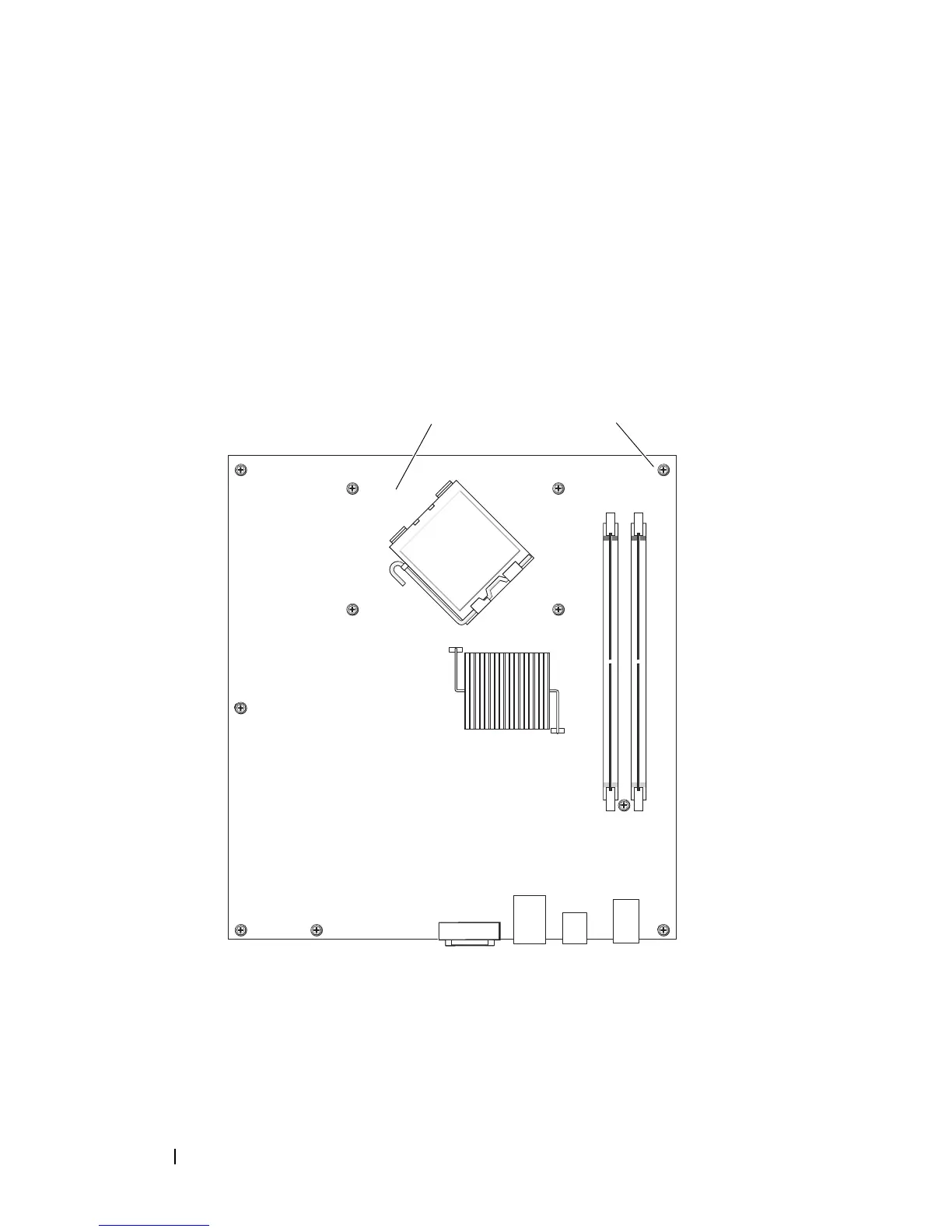
Remove the remaining seven screws from the system board. (Four other
screws were removed with the heat sink assembly.)
8
Slide the system board assembly toward the front of the computer, and
then lift the board up and away.
System Board Screws
9
Place the system board that you just removed next to the replacement
system board to compare and ensure they are identical.
1 system board 2 screws (7)
1
2














 To Next Page