58 Setting Up Your Computer
2
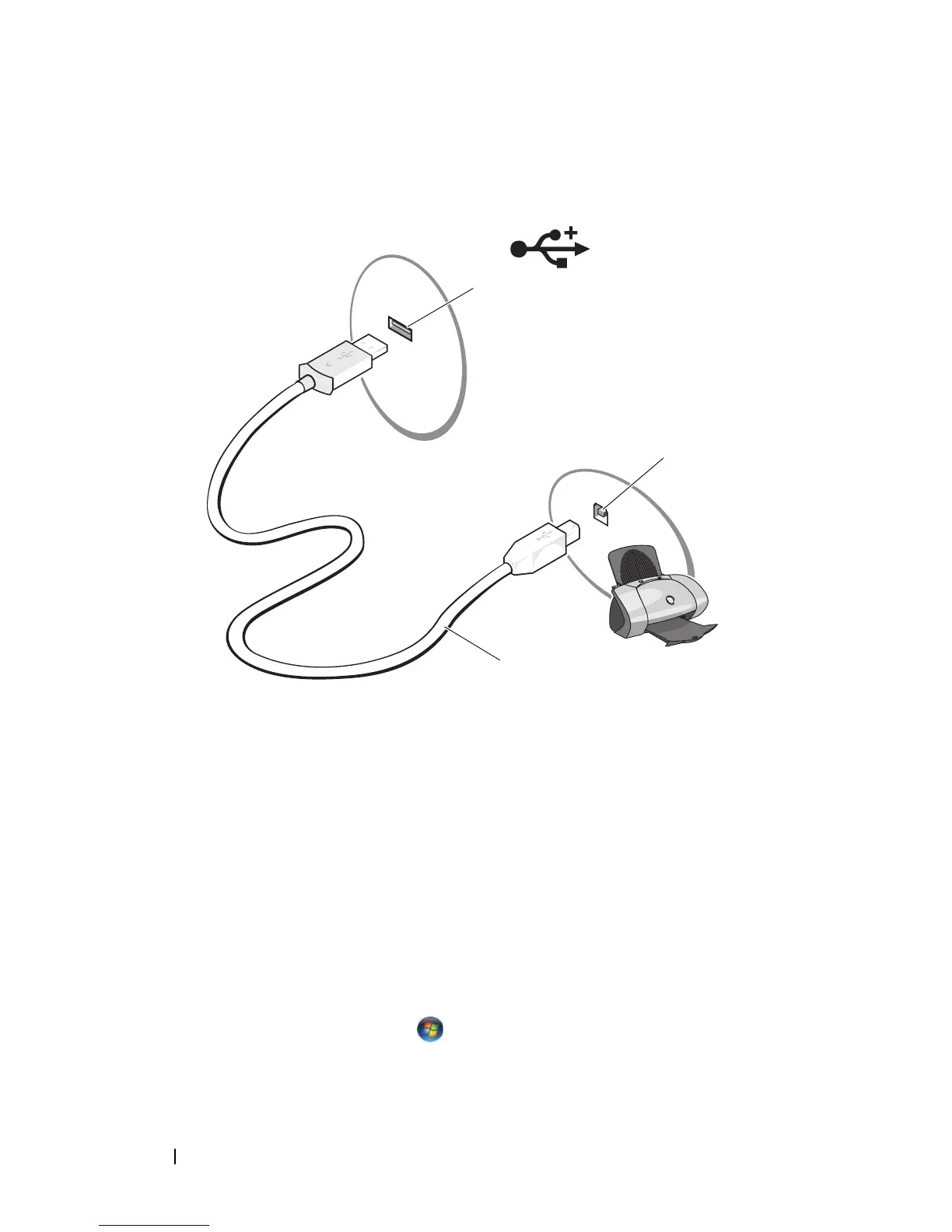
Attach the USB printer cable to the USB connectors on the computer and
the printer. The USB connectors fit only one way.
3
Turn on the printer and then turn on the computer.
4
Depending on your computer’s operating system, a printer wizard may be
available to help you install the printer driver:
If your computer is running the Microsoft
®
Windows
®
XP operating system
and the
Add New Hardware Wizard
window appears, click
Cancel
.
If your computer is running the Windows Vista™ operating system
, click the
Windows Vista Start button , and click
Network
→
Add a printer
to
start the Add Printer Wizard.
1 USB connector on computer 2 USB connector on printer
3 USB printer cable
3
2
1














 To Next Page