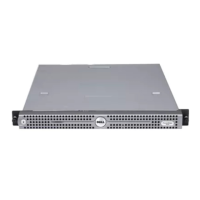
Figure 73. Installing a processor
1
socket-release lever 1 2 pin–1 corner of the processor
3 processor 4 slot (4)
5 processor shield 6 socket-release lever 2
7 processor socket 8 tab (4)
Next steps
NOTE
: Ensure that you install the heat sink after you install the processor. The heat sink is necessary to maintain proper thermal
conditions.
1 Install the heat sink.
2 If removed, reinstall the PCIe expansion card riser.
3 If disconnected, reconnect the cables to the expansion card(s).
4 While booting, press F2 to enter System Setup and verify that the processor information matches the new system conguration.
5 Run the system diagnostics to verify that the new processor operates correctly.
Related links
Safety instructions
Before working inside your system
Installing a heat sink
After working inside your system
Installing and removing system components
137


 To Next Page
 Loading...