48
Operating the monitor
Icon Menu and submenu Description
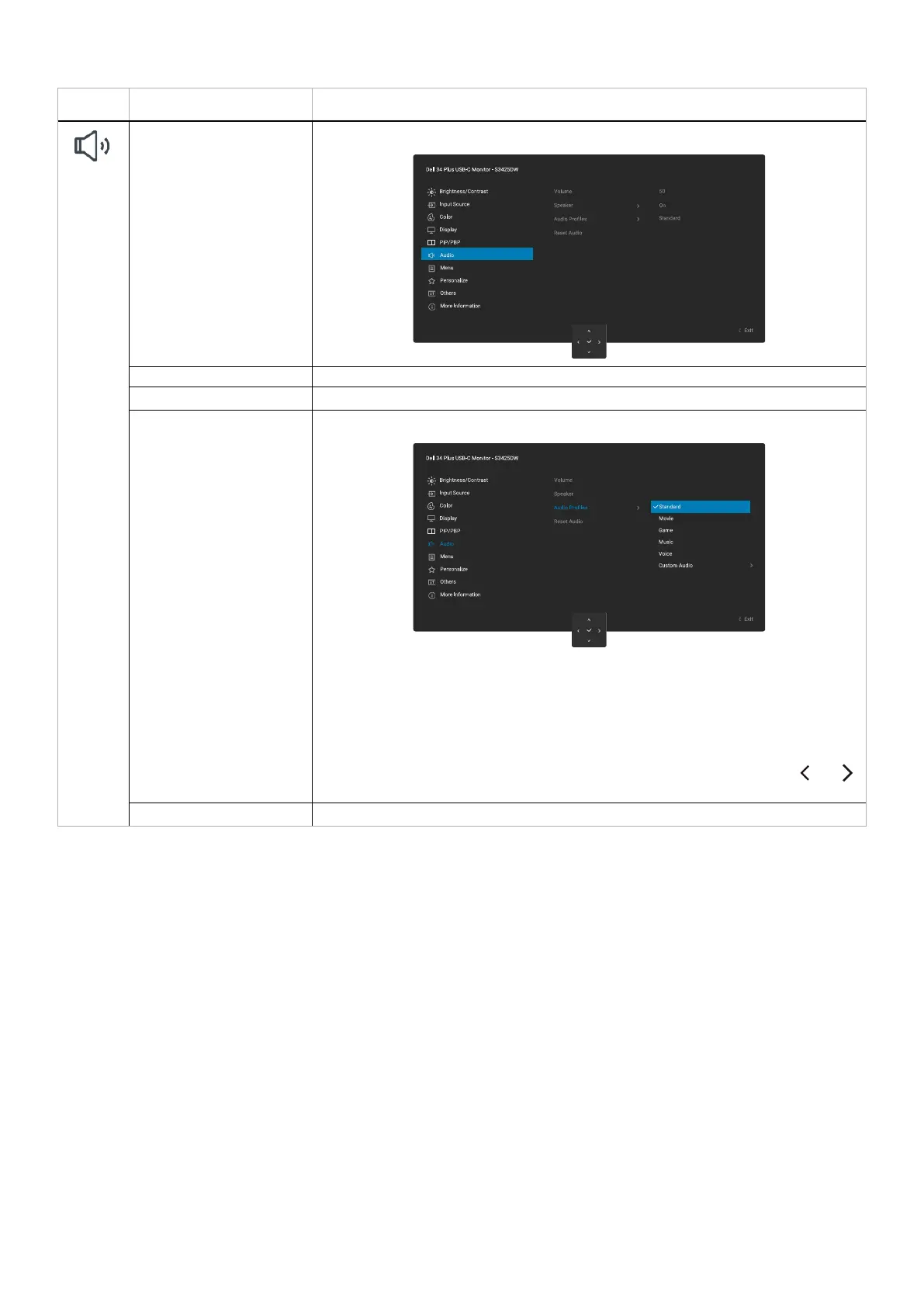
Audio Adjusts the audio settings.
Volume Use the buttons to adjust the volume. Minimum is 0 (-). Maximum is 100 (+).
Speaker Allows you to turn on or off the speaker.
Audio Profiles Expand to show the various audio profiles.
• Standard: Default audio setting.
• Movie: For motion picture viewing.
• Game: For game.
• Music: For music listening.
• Voice: For speech.
• Custom Audio: Allows you to manually adjust the sound. Move the joystick and
to adjust the setting.
Reset Audio Resets Audio to the default settings.



 To Next Page