47
Operating the monitor
Icon Menu and submenu Description
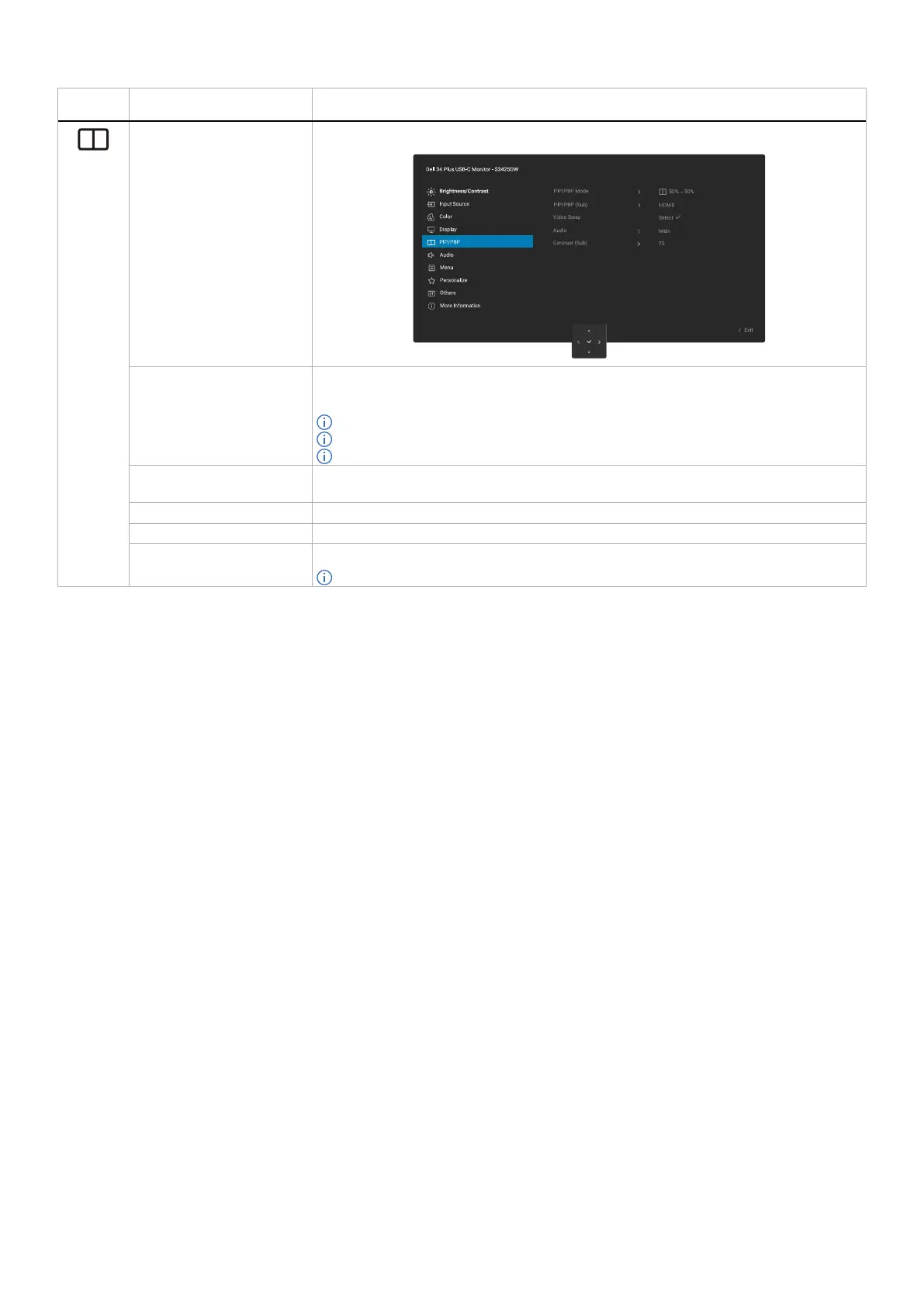
PIP/PBP Allows you to watch more images at the same time.
PIP/PBP Mode Adjusts the PIP/PBP Mode. You can adjust this feature by selecting Off, 50%-50%, 75%-
25%, 25%-75%, 67%-33%, 33%-67%, PIP (Small), PIP (Large).
NOTE: FreeSync is not supported when PIP/PBP is enabled.
NOTE: HDR is not supported when PIP/PBP is enabled.
NOTE: DSC is not supported when PIP/PBP is enabled.
PIP/PBP (Sub) Allows you to select between USB-C, HDMI 1, or HDMI 2 video signal that may be connected
to your monitor for the PIP/PBP sub-window.
Video Swap Allows you to swap videos between the main window and sub-window in PIP/PBP Mode.
Audio Allows you to set the Audio Main or Sub.
Contrast (Sub) Adjusts the contrast level of the picture in PIP/PBP Mode.
NOTE: This feature is applicable only when the user turns on PIP/PBP.



 To Next Page