46
Operating the monitor
Icon Menu and submenu Description
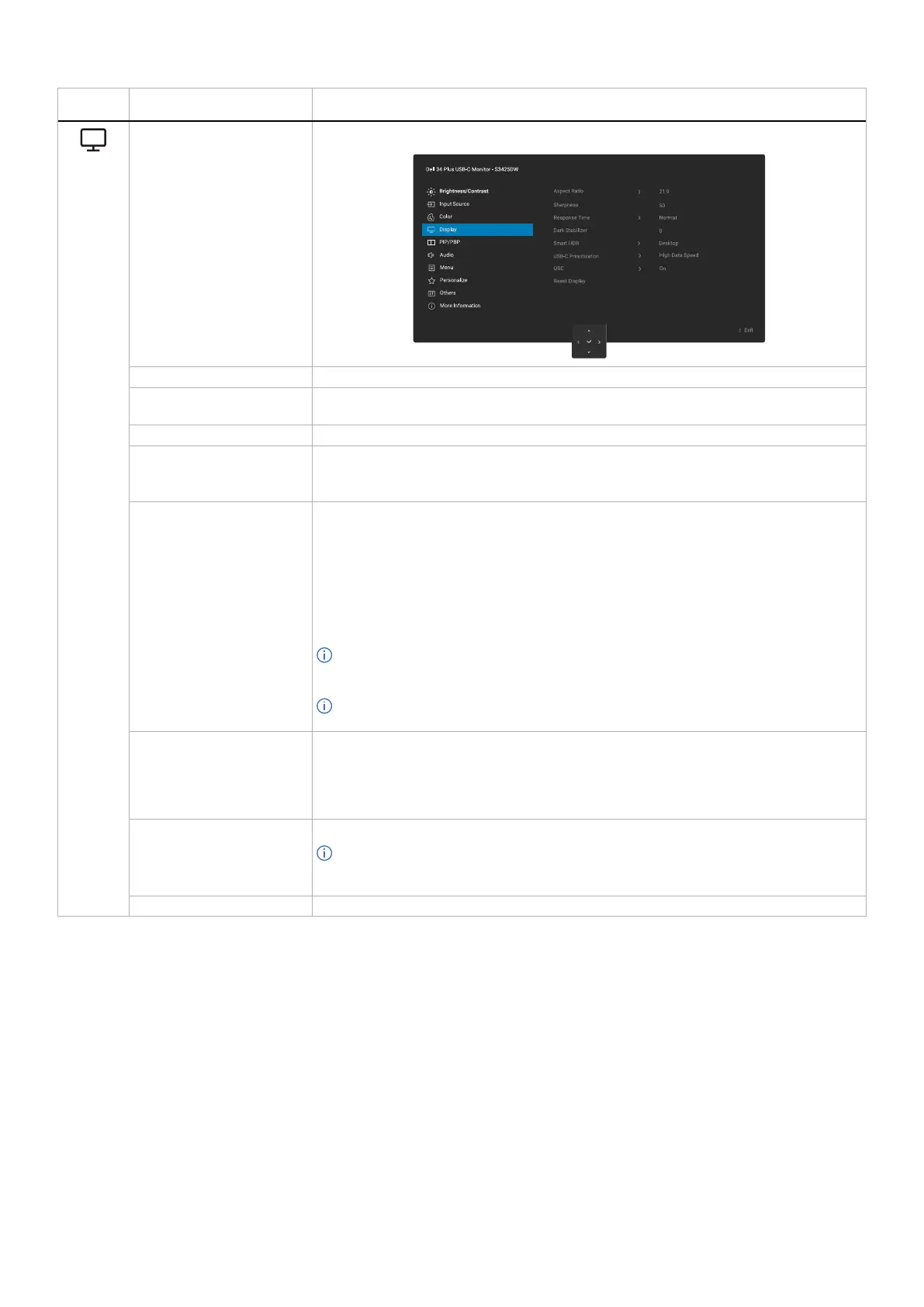
Display Use Display to adjust the image.
Aspect Ratio Adjusts the image ratio to 21:9, Auto Resize, 4:3 or 1:1.
Sharpness Adjusts the picture sharpness of the display. Move the joystick to adjust the sharpness
level from 0 to 100.
Response Time Allows you to set the response time to Normal, Fast, or Extreme.
Dark Stabilizer The feature improves the visibility in the dark gaming scenarios. The higher the value
(between 0 to 3), the better visibility in the dark area of the display image. The default
setting is 0.
Smart HDR The Smart HDR (High Dynamic Range) feature enhances the display output by optimally
adjusting contrast and the ranges of color and luminosity to resemble true-to-life visuals.
• Desktop: Suitable for using the monitor with a desktop computer.
• Movie HDR: Suitable for the playback of HDR video content.
• Game HDR: Suitable for playing HDR-compatible games. It displays more realistic
scenes and makes the gaming experience immersive and entertaining.
• Off: Disables Smart HDR.
NOTE: When activating and deactivating Smart HDR, a blank screen is expected
(about 5 seconds). This is normal behavior as the monitor changes the display mode.
Do not power cycle the monitor.
NOTE: When the monitor is processing HDR content, Preset Modes, Dark Stabilizer,
Brightness, and Contrast are disabled.
USB-C Prioritization Allows you to specify the priority to transfer the data with high resolution (High Resolution)
or high speed (High Data Speed) when using the USB-C devices. If the current platform is
DP 1.4 (HBR3), use High Data Speed to access video performance with high data speed.
If the current platform is DP 1.2 (HBR2) or below, select High Resolution for accessing full
video performance with data speed drop.
DSC Supports NVIDIA DSR/DLDSR feature which requires the DSC to be Off.
NOTE: This function is only available with a USB-C input source. The maximum
resolution and refresh rate will be lower when DSC is Off, See Video bandwidth for
further details.
Reset Display Resets Display to the default settings.



 To Next Page