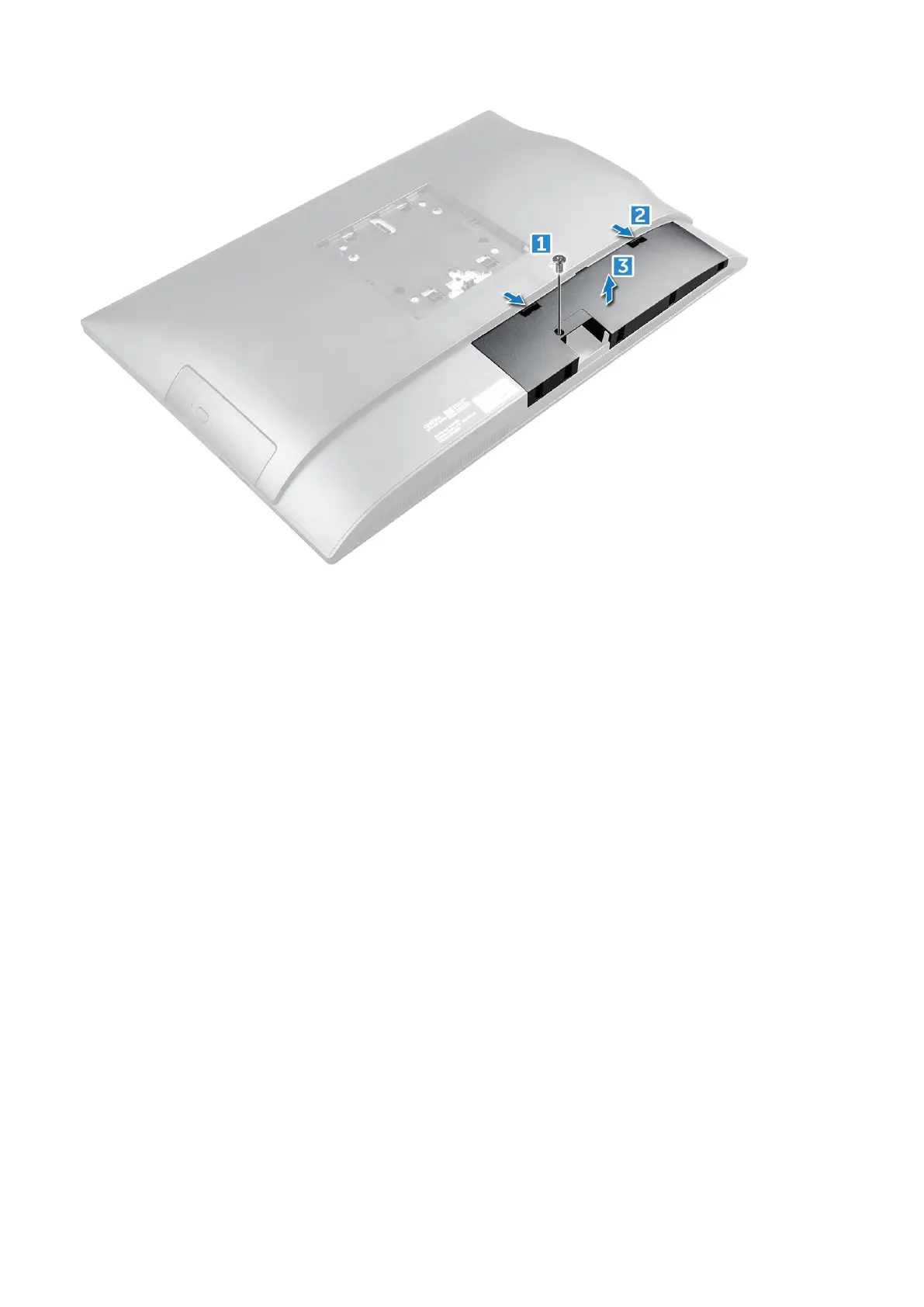
Installing the cable cover
1. Align the notches on the cable cover to the holes on the computer and press the cable cover until it snaps in.
2. Tighten the screw to secure the cable cover to the computer.
3. Install the stand.
4. Follow the procedure in After working inside your computer.
Side Cover
Removing the back cover
1. Follow the procedure in Before working inside your computer.
2. Remove the:
a. stand
b. cable cover
3. Pry the edges of the back cover from the bottom to release it from the computer.
Disassembly and reassembly
13



 To Next Page