Step to confirm that PSU is Defective
CAUTION: Ensure that you take adequate safety precautions before accessing the internal components of your
system. Go through the Service Manual to know the steps to access the PSU and its cables.
1. Disconnect the power cord from the PSU.
2. Disconnect the PSU cables from the system board.
3. Connect the power cord to the PSU
a. If the LED stays on for 3 seconds and turn off, it indicates the PSU is functional. Continue with troublehooting steps for
other devices.
b. If the LED does not come on, it indicates a PSU failure. Dispatch PSU only
Power supply
Customers can test the health of the power supply by performing the power supply built in self test (BIST).
LCD built in self test - BIST
All-in-One (AIO) systems supports LCD BIST similar to any other Dell systems that have BIST test implemented. It allows the
user to isolate the LCD during troubleshooting to determine which sub-system is at fault. The main difference is the lack of an
integrated keyboard scan controller in the AIO. When BIST is initiated, an internal generated pattern from the LCD will be
emitted for user's observation. This pattern will go by sequence through this pattern. Black-White-Red-Green-Blue or a White-
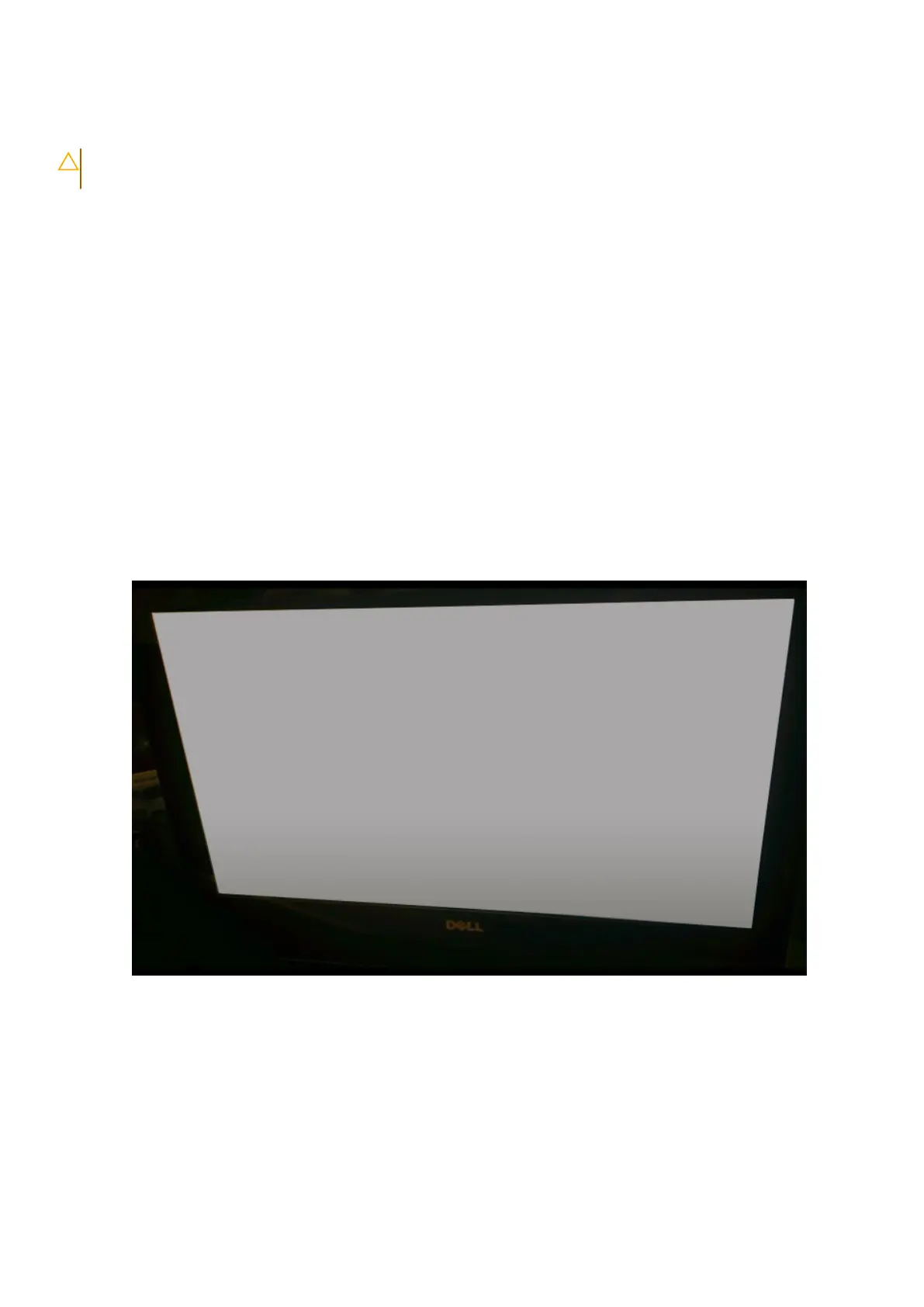
Black-Red-Green-Blue where each pattern is emitted for 2 to 3 seconds. The following images displays the pattern of the colors
on the LCD.
Troubleshooting your computer
69



 To Next Page