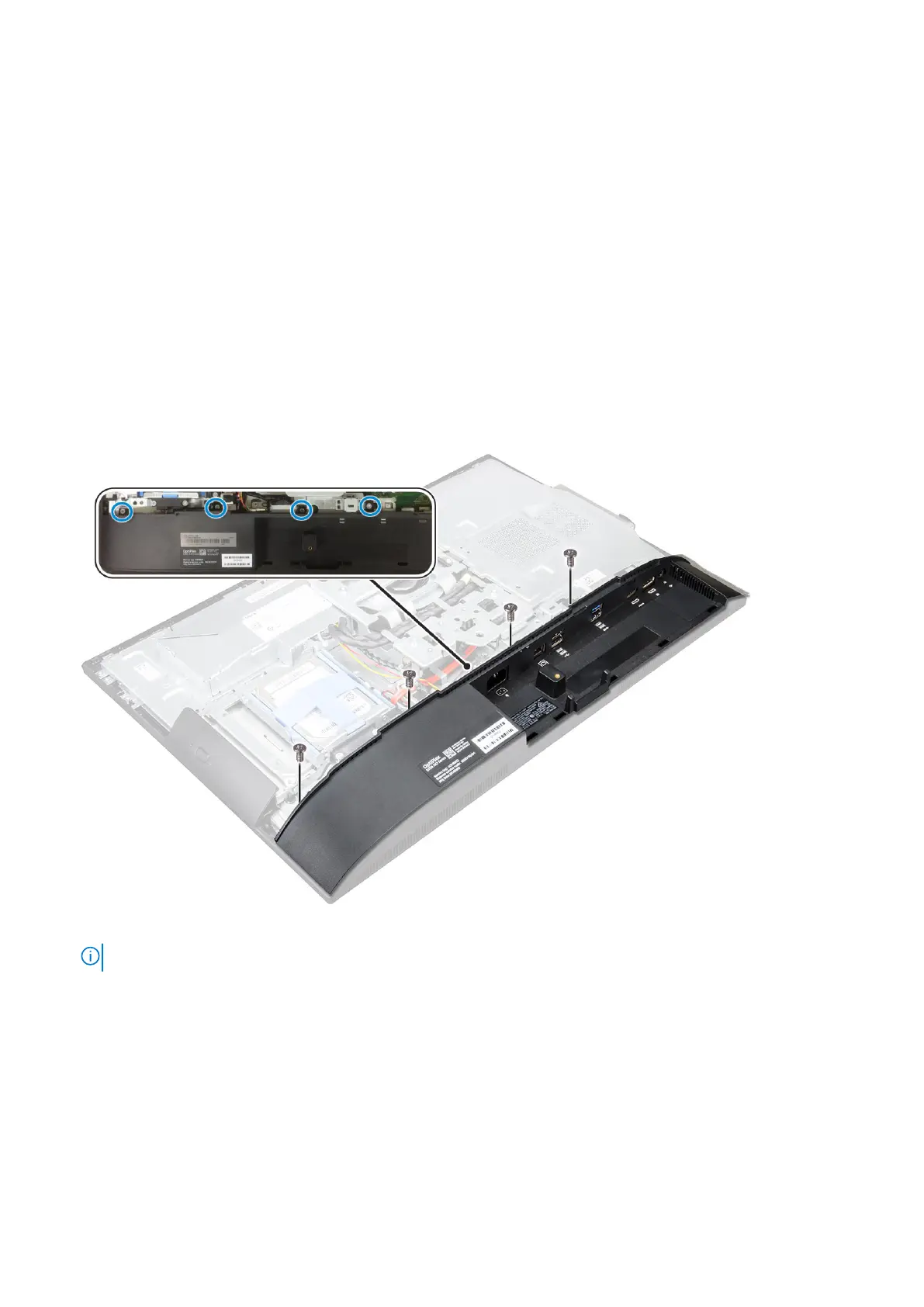
2. Install the:
a. cable cover
b. stand
3. Follow the procedure in After working inside your computer.
Speaker cover
Removing the speaker cover
1. Follow the procedure in Before working inside your computer.
2. Remove the:
a. stand
b. cable cover
c. back cover
3. Remove the screws that secure the speaker cover to the computer.
4. Pull and remove the speaker cover from the computer.
NOTE: To avoid damage to the back cover, release it from the pull tabs.
Disassembly and reassembly 15



 To Next Page