Chapter 2 User Interface Introduction
2-7
2.2 Telnet Console Configuration
Delta DVW device supports telnet server function; it can be globally enabled or disabled. The user
can use all CLI command over a telnet session.
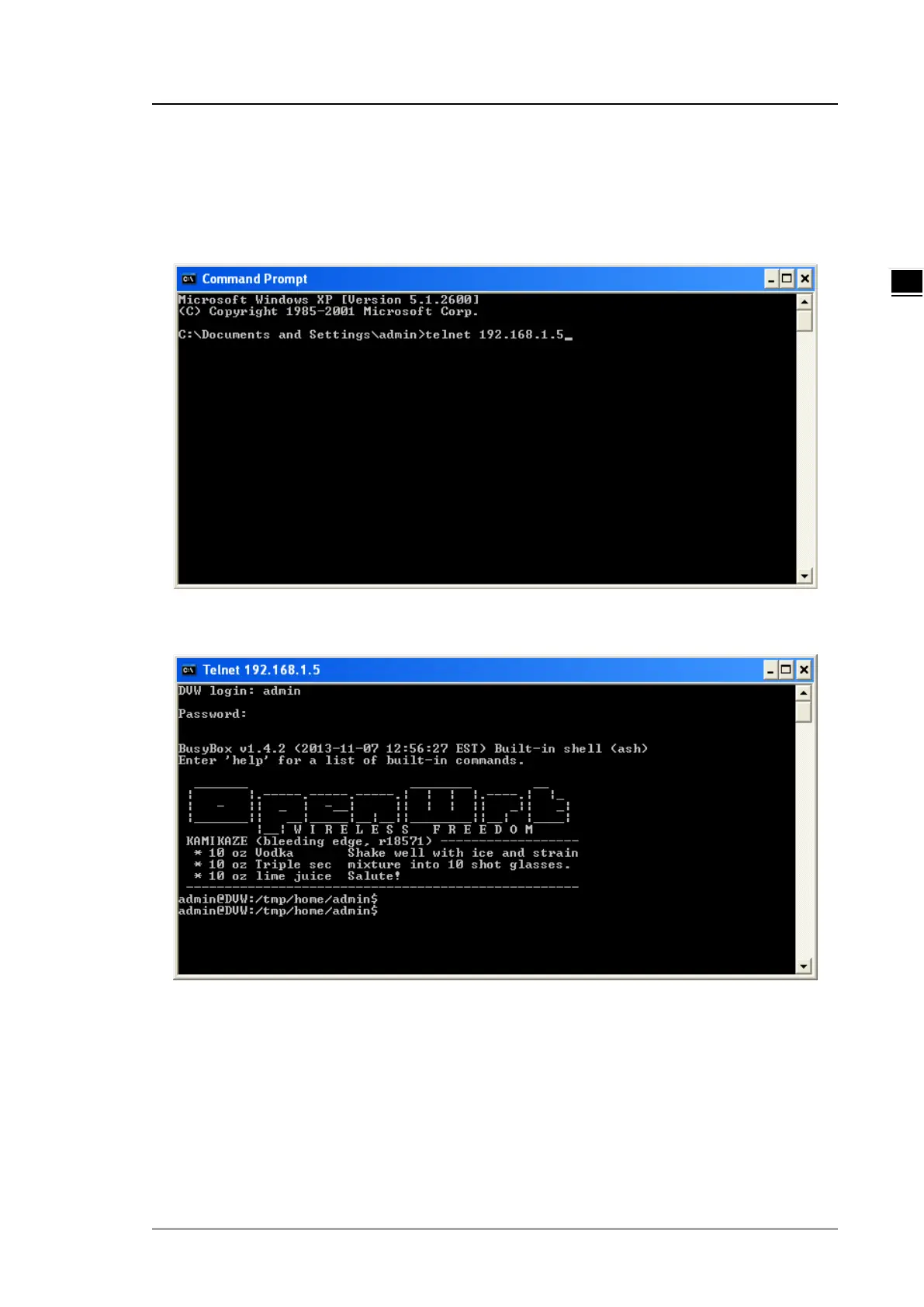
1. Open a Command Prompt and input “telnet 192.168.1.5” to login to Delta DVW device.
2. After input user name and password, you can use CLI command to control the device.



 To Next Page