Chapter 3 Featured Function
3-71
Item Description
Port 1 / 2 Display the contents of the sent and received data in port 1 or 2
Send Clear the contents of the sent data in port 1 or 2
Receive Clear the contents of the received data in port 1 or 2
All Clear Clear the every content of the sent and received data in port 1 or 2
Clear Clear the contents of the sent or received data in port 1 or 2
3.8 Management Access
Delta DVW series supports not only web interface to manage the device. You also can use CLI (Command Line
Interface) to configure the DVW series by Secure Shell (SSH) and Telnet.
3.8.1 SSH Configuration
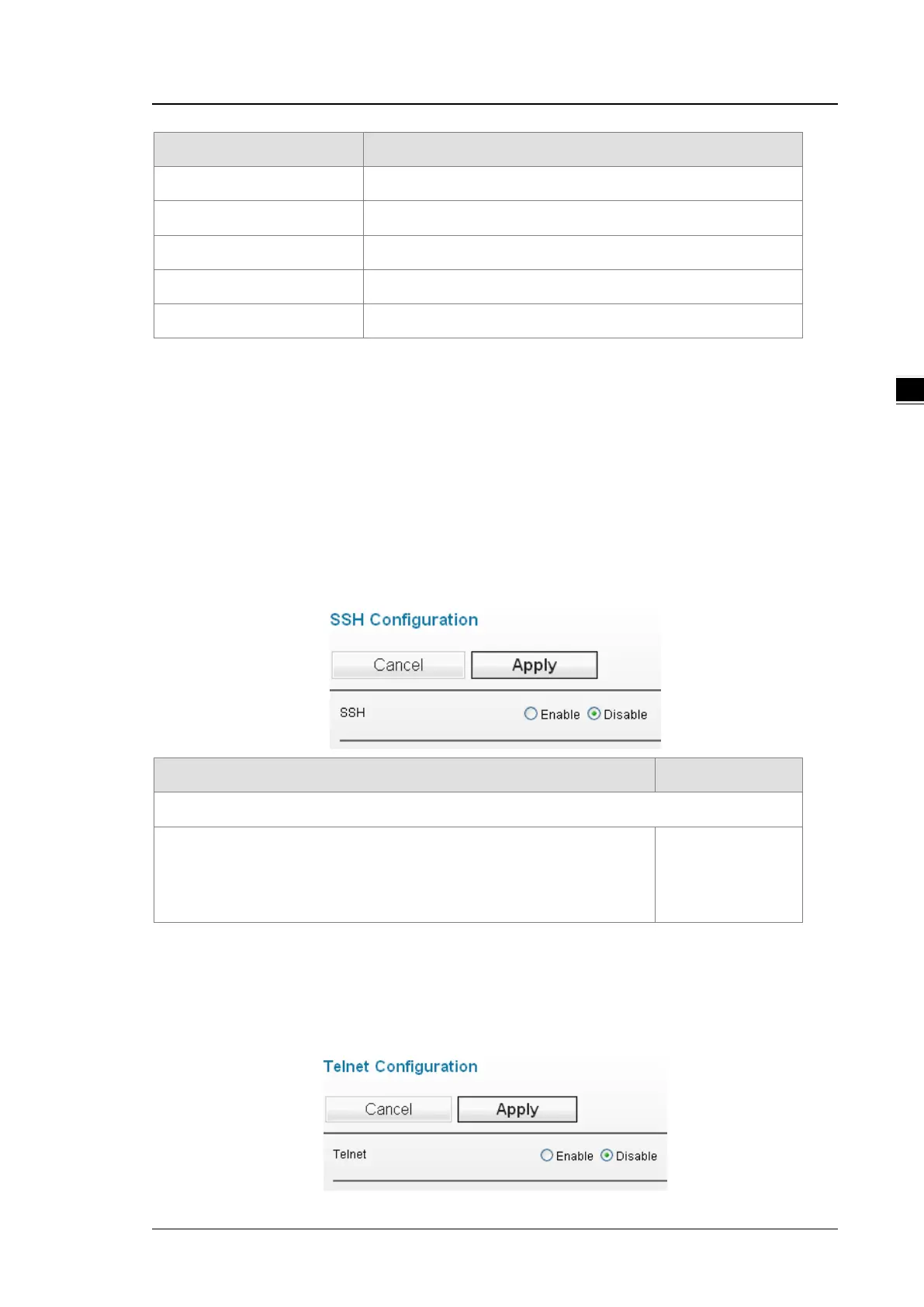
You can configure SSH configuration in this page.
Description Factory Default
SSH
Specify the status of SSH.
Disable: SSH is disabled.
Enable: SSH is enabled.
Disabled
3.8.2 Telnet Configuration
You can configure Telnet configuration in this page.



 To Next Page