DVW Series Industrial IEEE 802.11 a/b/g/n Wireless AP/WDS/Client/Gateway User Manual
3-26
Description Factory Default
Only Suffix Char 1: The data will transmit only Suffix Char 1 which user
entered in Suffix Char (Hex.).
Not Include: After the comparison process is complete, the data will be
transmitted without Suffix Char which the user entered in Suffix Char
(Hex.).
Aging Time
Specify the time for DVW series to force pack the received serial data into the
same data frame.
Notice:
Before you configure the settings of Aging Time, please remember to
tick the Enable option, otherwise the Aging Time doesn’t be applied.
Disabled/
1000 (ms)
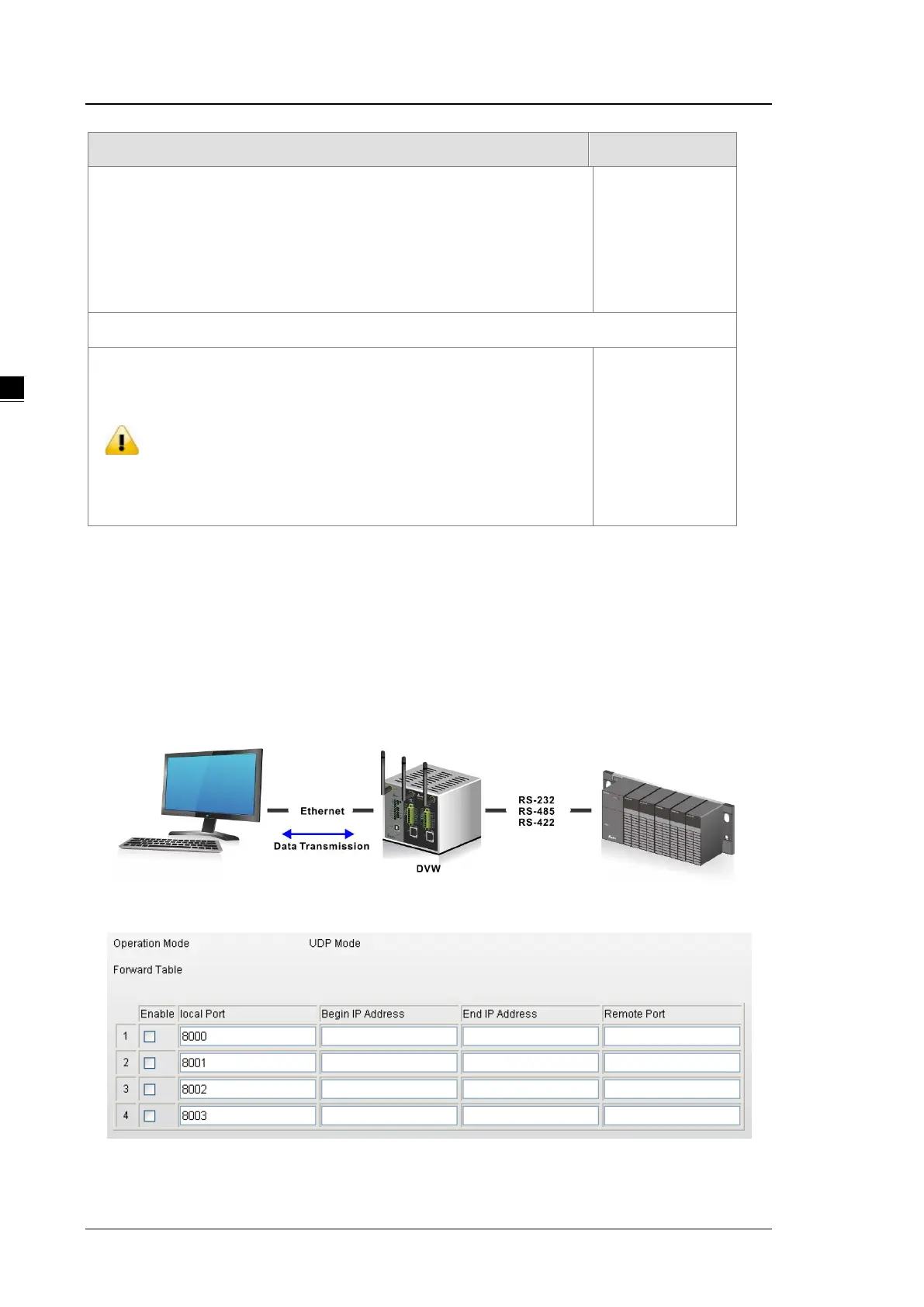
3.3.1.6 UDP Mode
Compare with TCP communication, UDP communication doesn’t need request message before the session
has been established. So after user configure the remote IP address and port information, the device will start
to transmit the data. You can use unicast or multicast way to transmit data between the host computer and
serial device.



 To Next Page