DVW Series Industrial IEEE 802.11 a/b/g/n Wireless AP/WDS/Client/Gateway User Manual
3-60
Description Factory Default
V2c, V3” or “V3”.
Disable: No data encryption.
AES: Use AES-based data encryption.
DES: Use DES-based data encryption.
Privacy Key
Input a data key for data encryption. None
Device Object ID
This field displays the Delta DVW series’s OID. Fixed
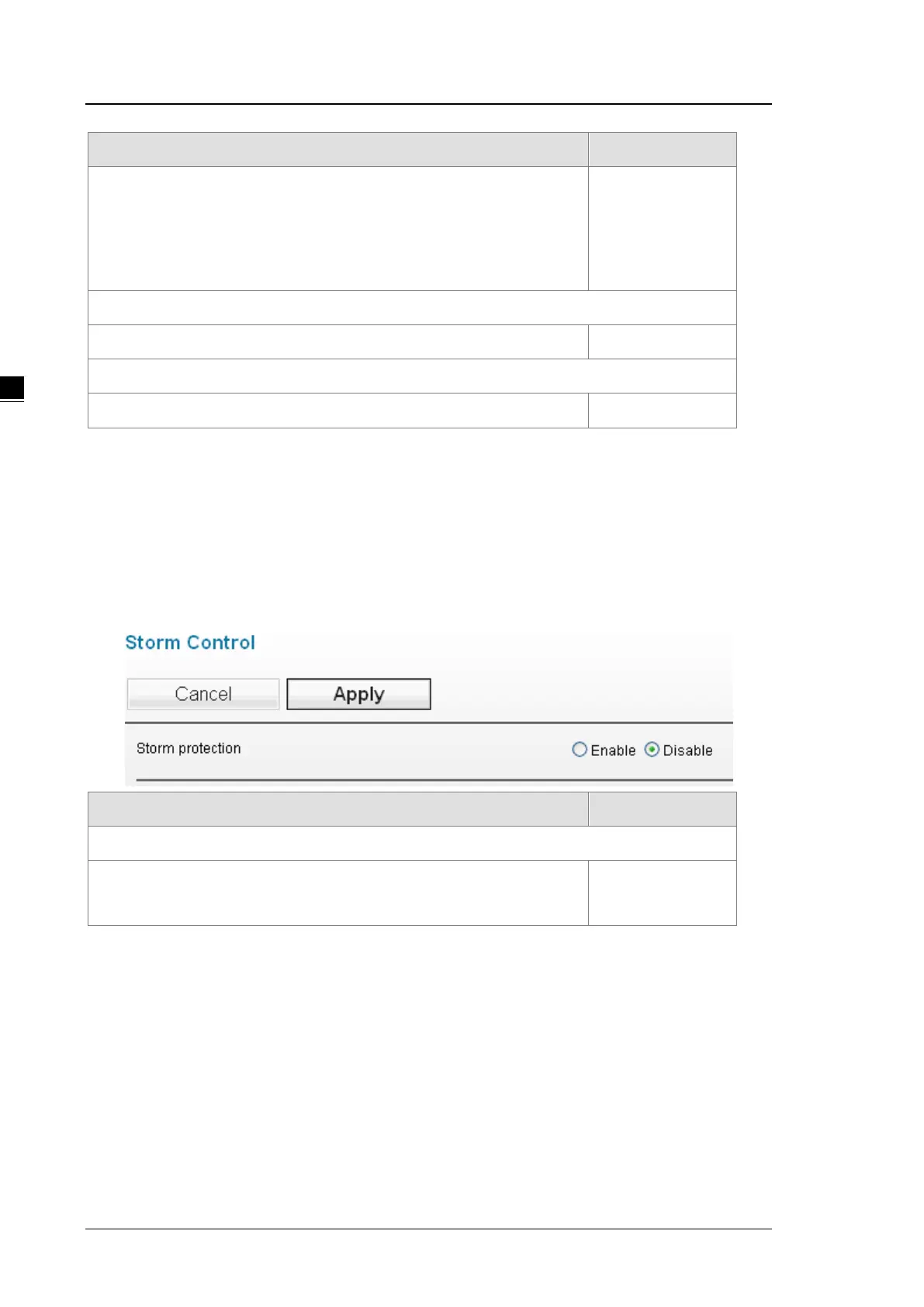
3.5.5 Storm Control
A traffic storm occurs when incoming packets flood the LAN, which causes the decreasing of the network
performance. Storm control protects can avoid flooding packets affect the network performance. DVW provides
you to configure both Storm Protection and Multicast & Flooding for LAN and WLAN for incoming and outgoing
traffic.
Description Factory Default
Storm Protection
Enable: Storm protection is enabled.
Disable: Storm protection is disabled.
Disabled



 To Next Page