Chapter 3 Featured Function
3-5
3.2 Basic Configuration
The basic configuration group includes most common settings, and administrator can maintain control the DVW
wireless devices in this group.
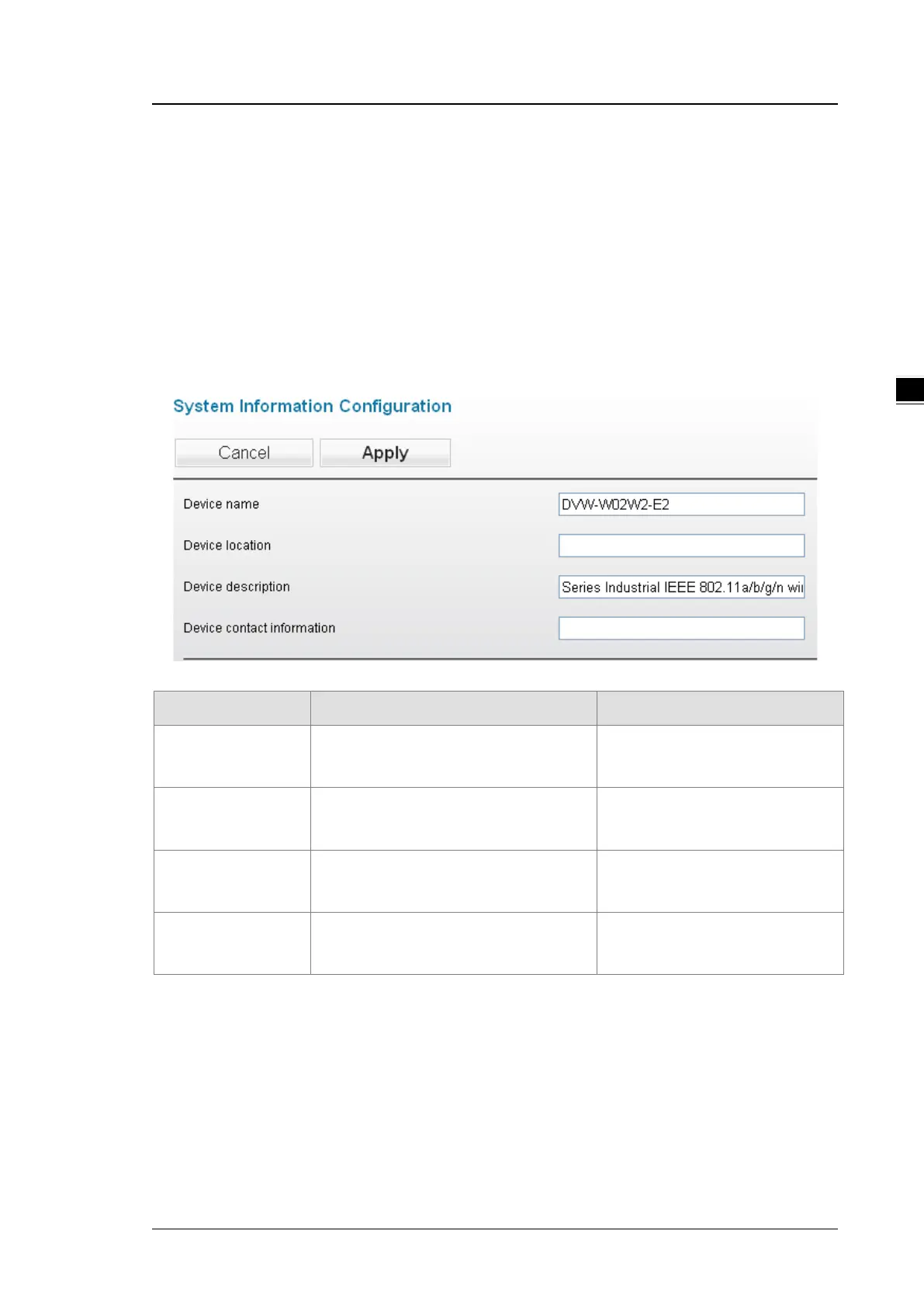
3.2.1 System Information Configuration
The System Information Configuration includes Device name, Device location, Device description and Device
contact information. By default, the Device name is DVW-W02W2-E2 and the Device description is Series
Industrial IEEE 802.11a/b/g/n wireless AP/bridge/client.
Item Description Factory Default
Device name
This field displays the name of the device.
The default value is the model name.
DVW-W02W2-E2
Device location This field displays the location of the
device.
None
Device description
This field displays the description of the
device.
Industrial IEEE 802.11a/b/g/n
wireless AP/WDS/Client/Gateway
Device contact
information
This field displays the contact information of
the device.
None
3.2.2 Network Configuration
The Network Configuration allows you to modify IP Configuration, IP Address, IP Subnet Mask, Gateway IP
Address and Primary DNS. From the IP configuration, there are various options under the Multi-Mode,
including DHCP-Client, Static, BOOTP-Client and DHCP-Server for users to choose from.



 To Next Page