DVW Series Industrial IEEE 802.11 a/b/g/n Wireless AP/WDS/Client/Gateway User Manual
3-72
Description Factory Default
Telnet
Specify the status of Telnet.
Disable: Telnet is disabled.
Enable: Telnet is enabled.
Disable
3.9 Maintenance
Maintenance functions provide some tools for administrator to upgrade, backup data and diagnose the
network.
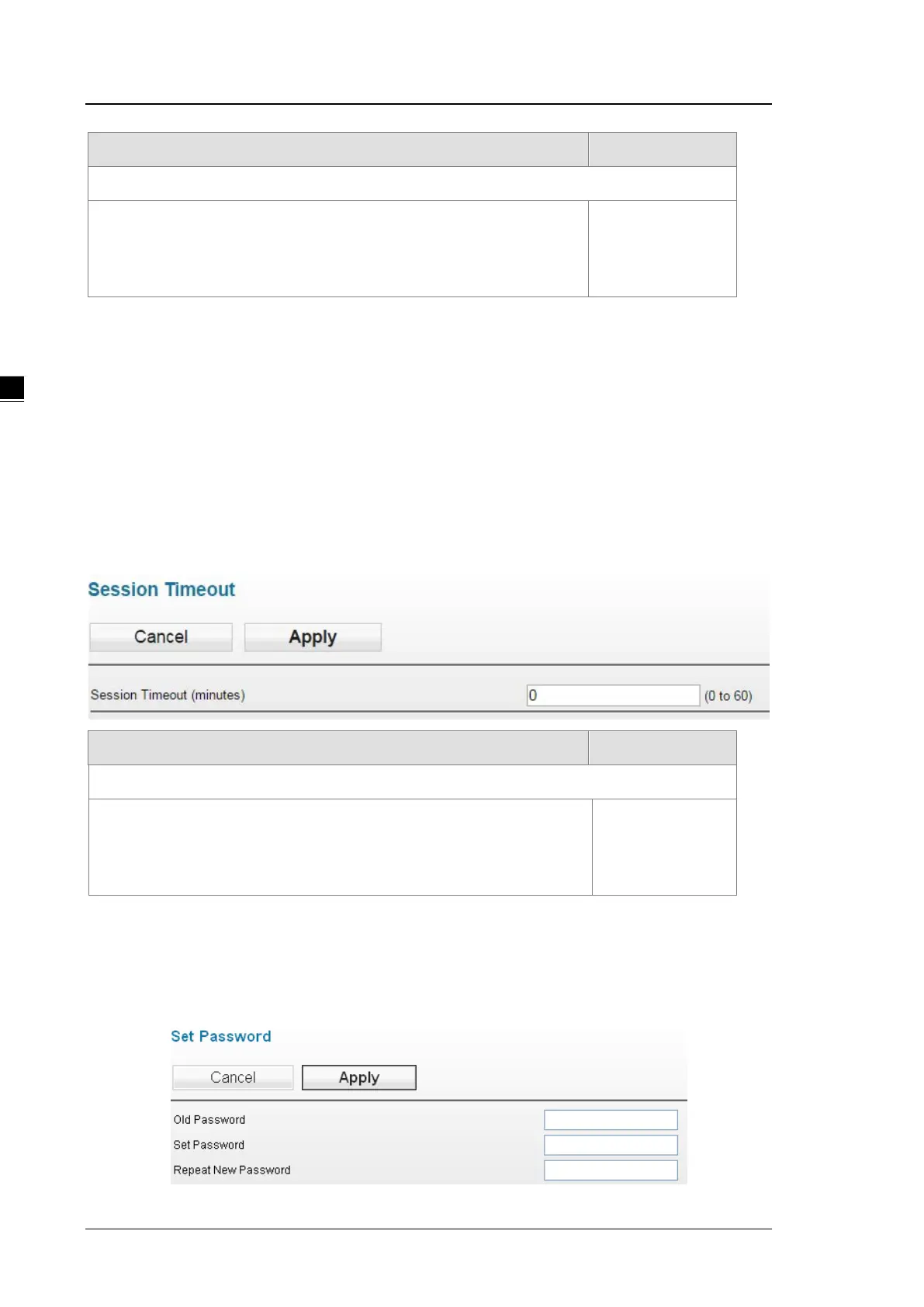
3.9.1 Session Timeout
Users can set up the login overtime, once the login time is over the time set, a warning will show up and ask
users to log in again. It is suggested to use this function to enhance security.
Description Factory Default
Session Timeout (minutes)
Set up the login overtime
Set up the login overtime in the range of 1-60 mins
Set up the overtime to 0 and this function will be disabled.
5 minutes
3.9.2 Password
You can change the password of the administrator account. We recommend you change the password
regularly. For security reasons, please change the default password “password”.



 To Next Page