Chapter 3 Featured Function
3-55
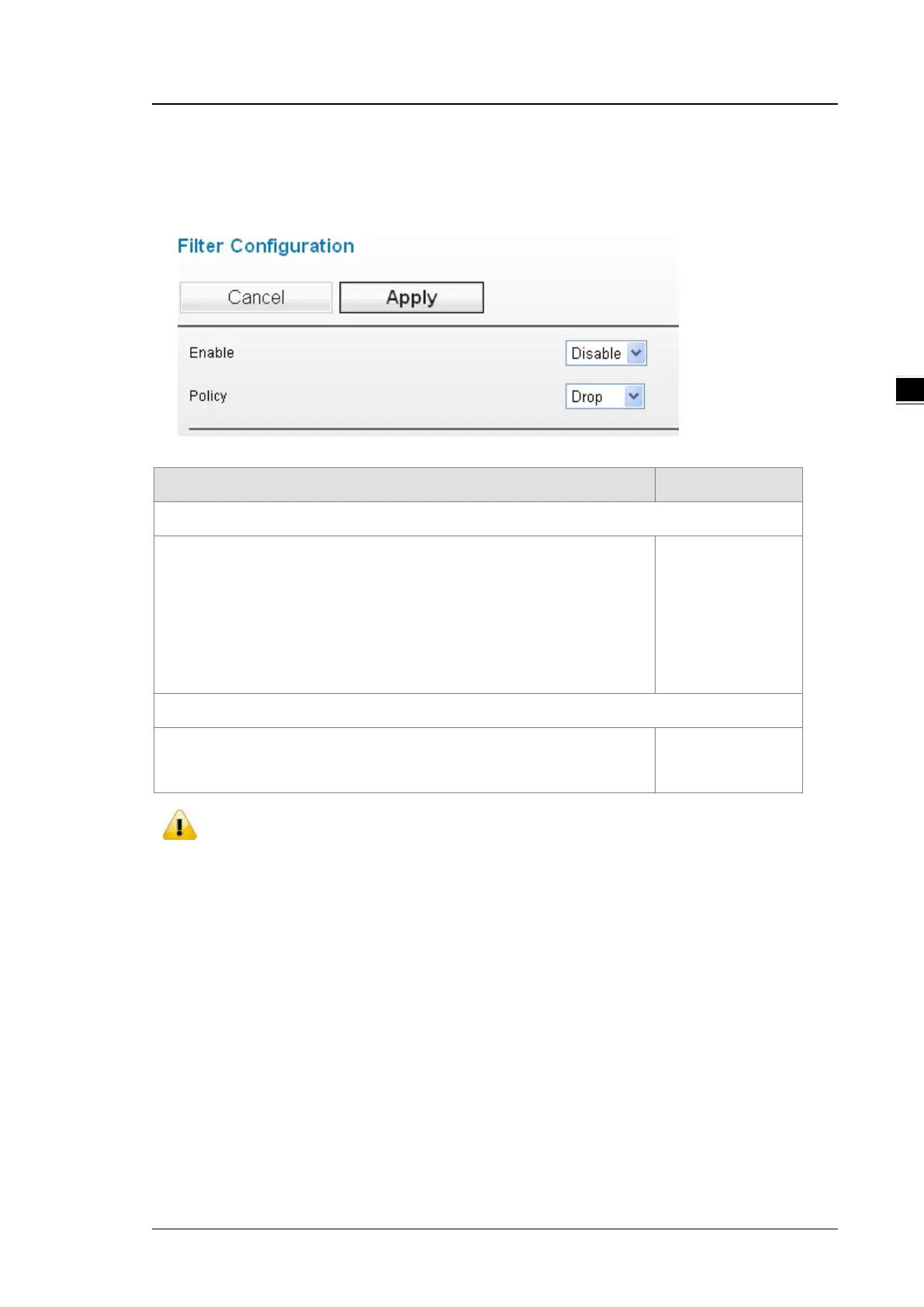
3.5.2.1 Filter Configuration
Settings of 3 filters, MAC filters, IP Protocol filters, and TCP/UDP port filters as well as the packet acceptance.
Description Factory Default
Enable
Specify whether the filter configuration is enabled.
Enable: Packet filter function is enabled.
Disable: Packet filter function is disabled.
The filter priority:
MAC filters > IP Protocol filters > TCP/UDP port filters
Disabled
Policy
Drop: All packets correspond with the list will be dropped.
Accept: Only the packets correspond with the list can be accepted.
Drop
Notice:
Before you enable the filter function, please notice the Policy:
Drop: If there is no data in the filter list, all packets are accepted.
Accept: If there is no data in the filter list, all packets are dropped.
3.5.2.2 MAC Filters
The MAC filter can accept or drop packets with specified MAC addresses. The MAC address can be configured
up to 8 entries.



 To Next Page