DVW Series Industrial IEEE 802.11 a/b/g/n Wireless AP/WDS/Client/Gateway User Manual
3-56
Notice:
Please check the Active check box for the entries which you want to specify and please
remember to configure the policy in Filter Configuration page.
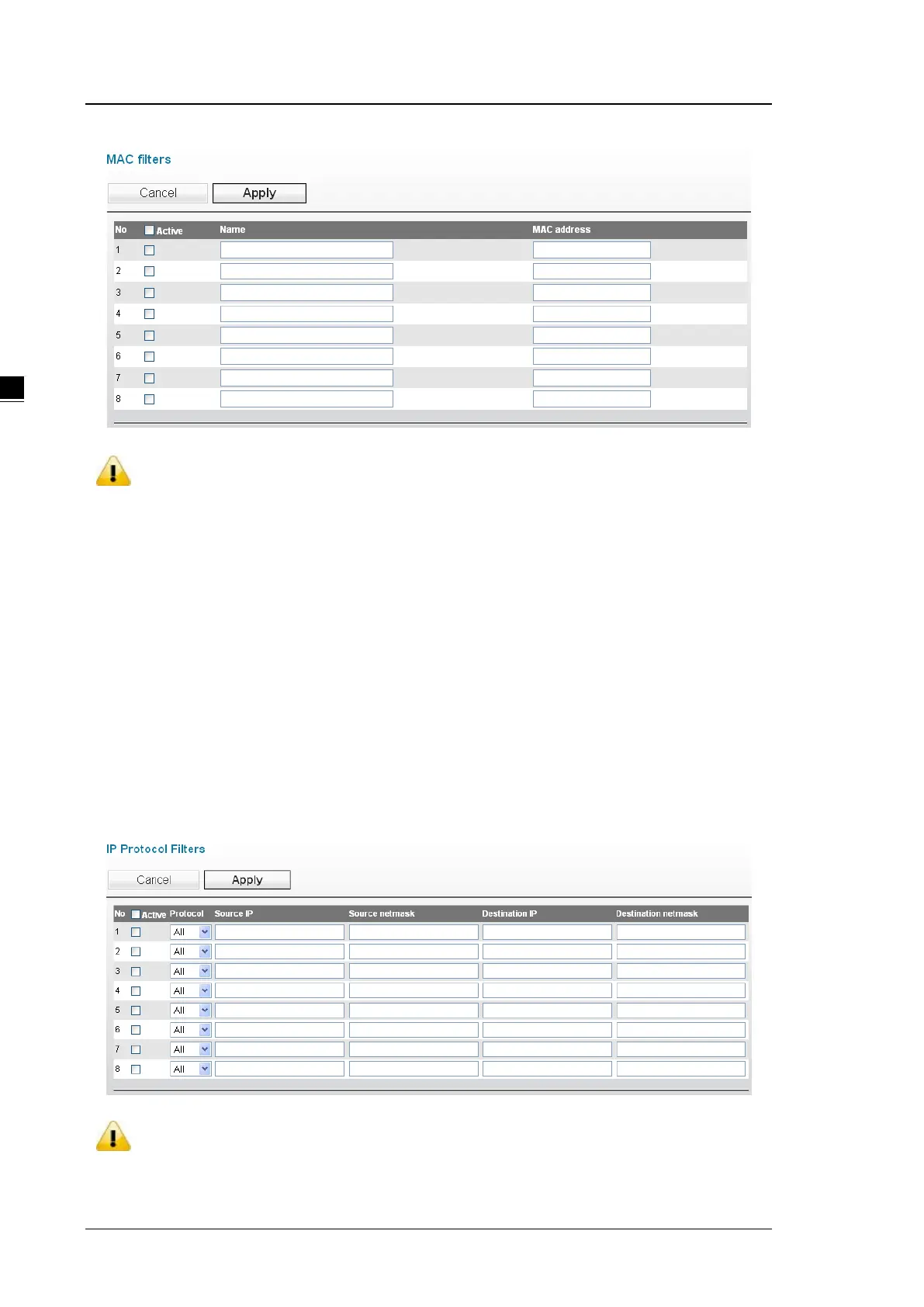
3.5.2.3 IP Protocol Filters
The IP Protocol filter can accept or drop packets with specified IP protocol and source/destination addresses.
The policy can be configured up to 8 entries.
DVW provides 3 IP protocols items: All, TCP, UDP and ICMP. The Source IP and Destination IP must be
specified. You can specify an IP address or a range of IP addresses.
For example, if you enter the IP address 192.168.1.1 and netmask 255.255.255.255, its mean only on IP
address 192.168.1.1 is specified. If you enter the IP address 192.168.1.1 and netmask 255.255.255.0, its mean
the range of IP address 192.168.1.1 to 192.168.1.254 are specified.
Notice:
Please check the Active check box for the entries which you want to specify and please
remember to configure the policy in Filter Configuration page.



 To Next Page