Chapter 3 Featured Function
3-67
Description Factory Default
1st/ 2nd Trap version
Specify the SNMP trap version in SNMPv1 or SNMPv2. V1
1st/ 2nd Trap server IP/name
Enter the IP address or the name of SNMP Trap server in your network. None
1st/ 2nd Trap community
Input the community string for authentication. None
3.7 Monitoring Settings
DVW series provides many monitoring function in this group. Includes alarm tables, Ethernet wire & wireless
status, DHCP client and serial port status.
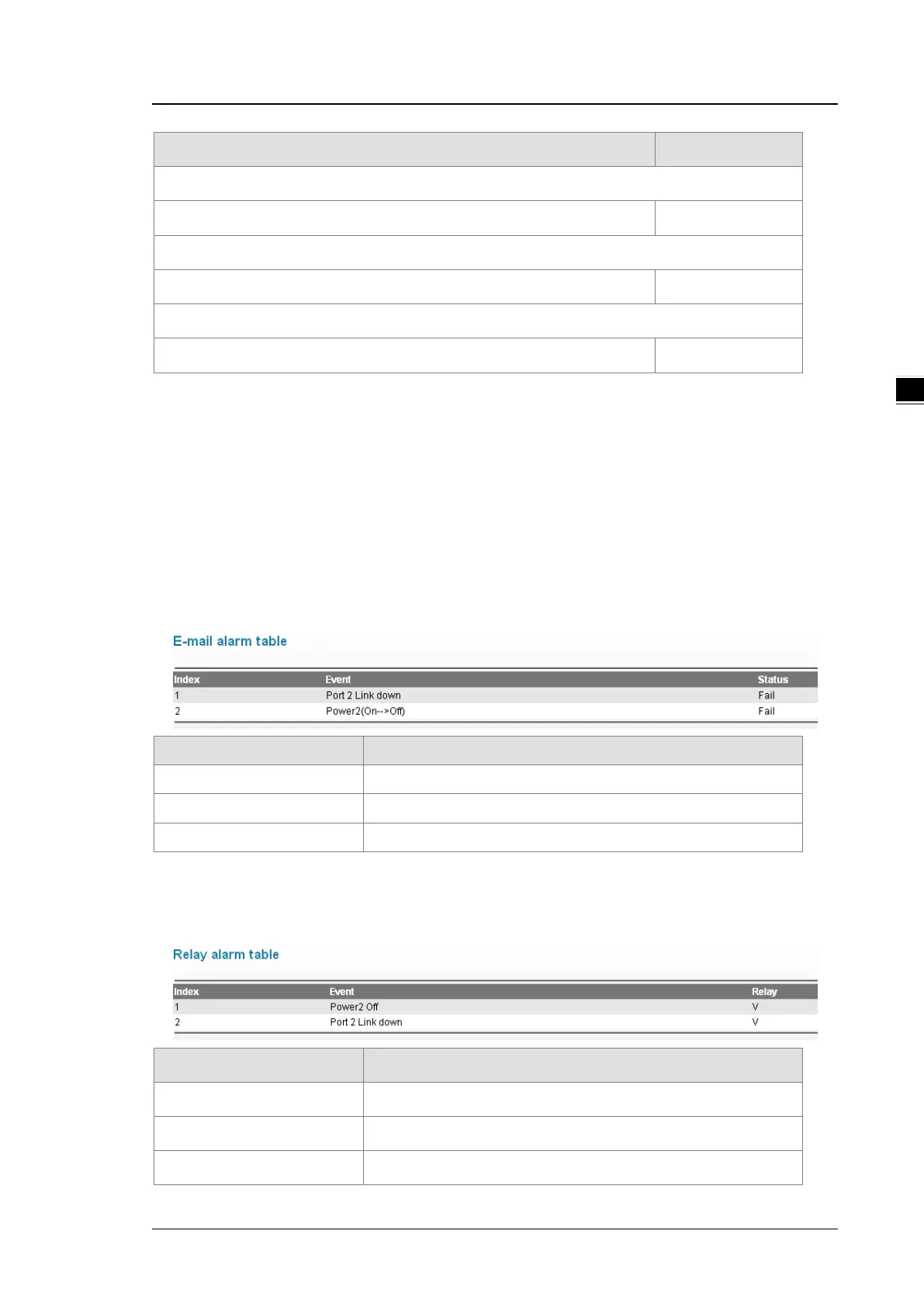
3.7.1 Email Alarm Table
When Email event has been triggered, this page displays the event and status.
Item Description
Index The index of the event.
Event The event which has been triggered.
Status The status of the event.
3.7.2 Relay Alarm Table
When relay event has been triggered, this page displays the event and status.
Item Description
Index The index of the event.
Event The event which has been triggered.
Status The status of the event.



 To Next Page