DVW Series Industrial IEEE 802.11 a/b/g/n Wireless AP/WDS/Client/Gateway User Manual
3-16
Description Factory Default
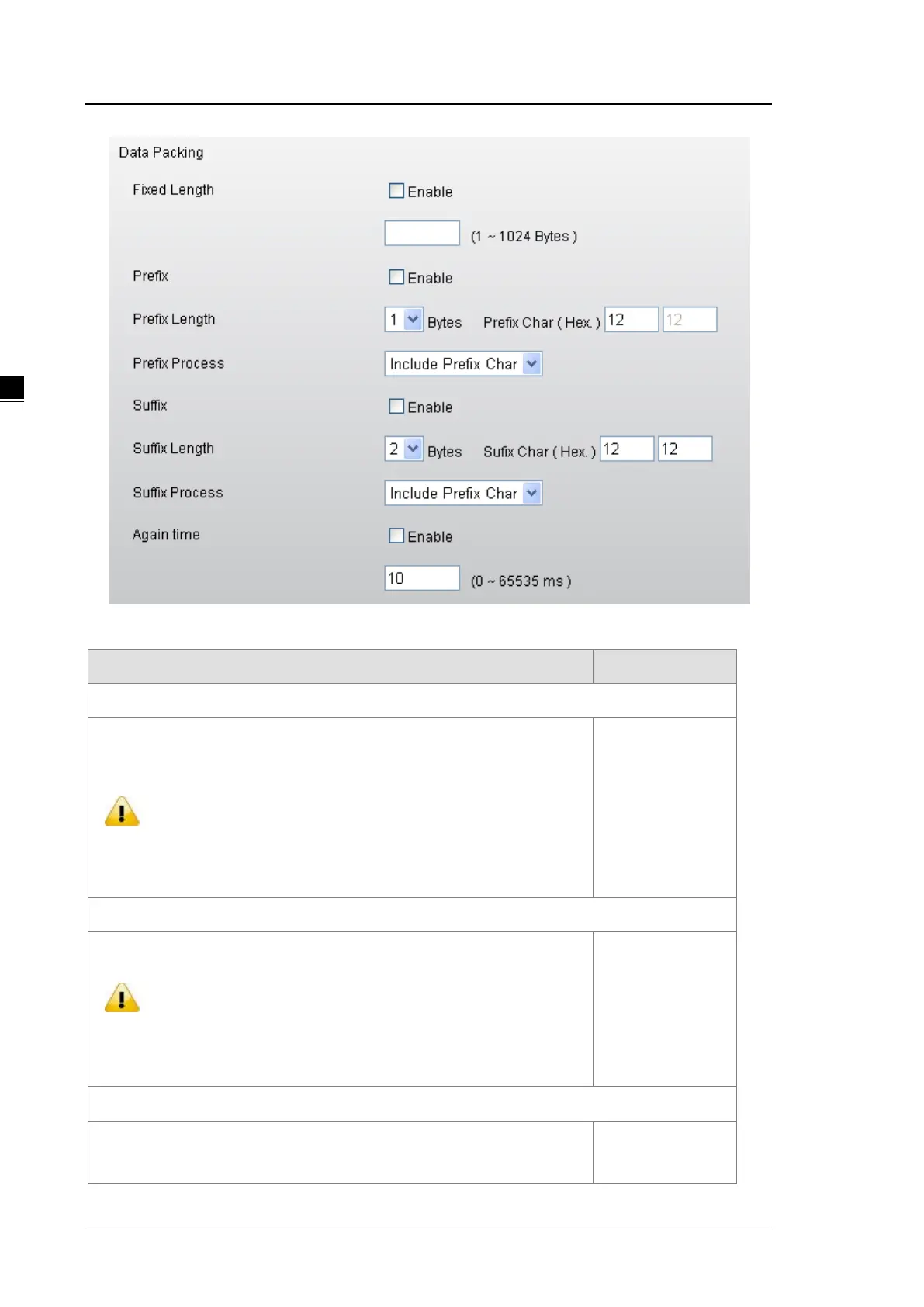
Fixed Length
Specify whether sends the packet with fixed length. When the receiving data
length matches with the configured value, the data will be sent.
Notice:
Before you enter the value of fixed length, please remember to tick
the Enable option, otherwise the Fixed Length function doesn’t work.
Disabled/1024
Prefix
Specify the Prefix Length and Prefix Process of data.
Notice:
Before you configure the settings of Prefix Length, Prefix Char and
Prefix Process, please remember to tick the Enable option,
otherwise the Prefix function doesn’t work.
Disabled
Prefix Length
Specify the Prefix Length for comparison process. After specify the Prefix
Length, please enter the Prefix Char for process.
2



 To Next Page