Chapter 3 Featured Function
3-19
Description Factory Default
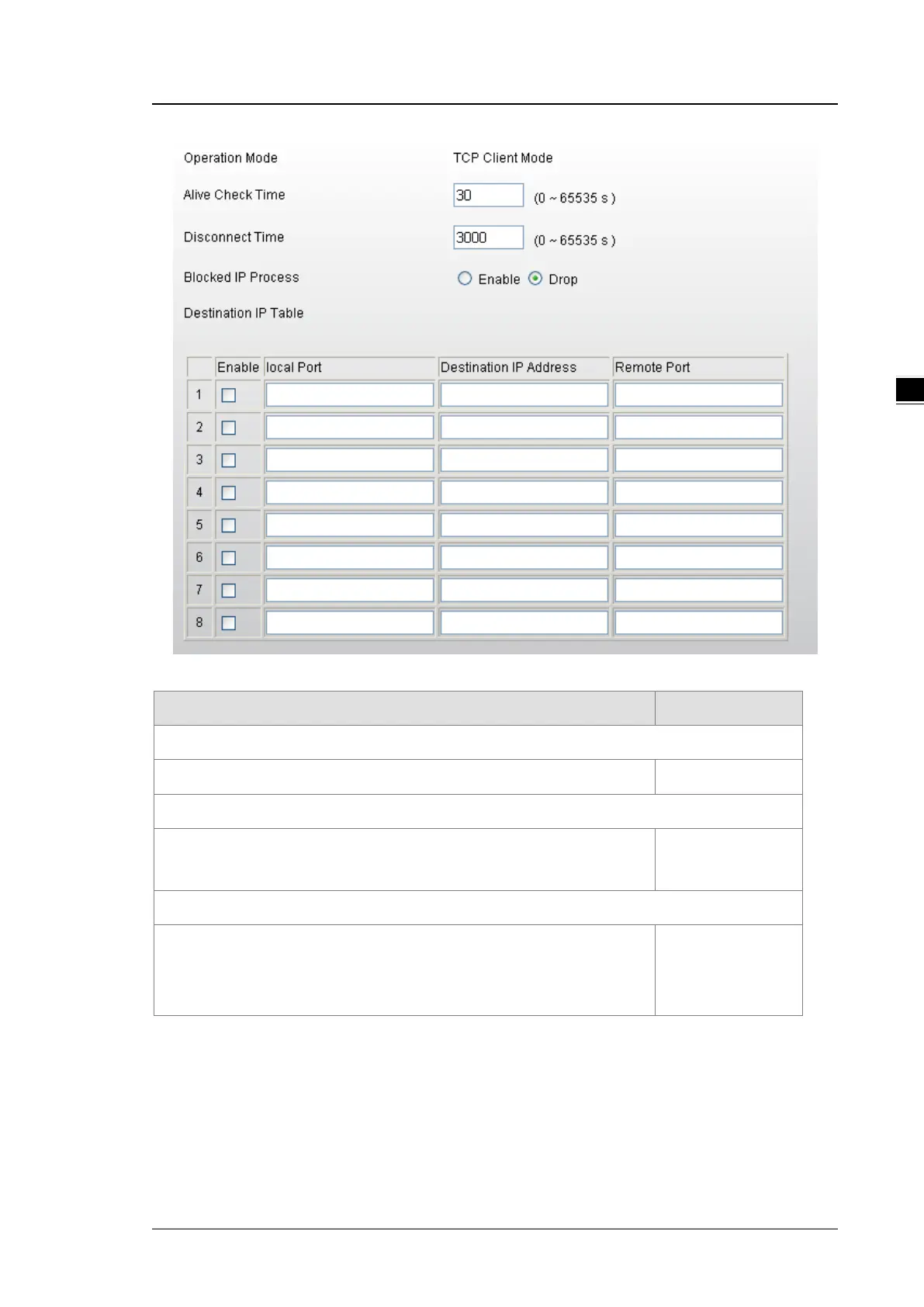
Operation Mode
Display the operation mode of serial port. TCP Client Mode
Alive Check Time
Specify how long the DVW series sends a packet for checking the connection
still alive.
30
Disconnect Time
Specify how long the DVW series keeps the TCP session when there is no
TCP activity in specified time. If the time is “0”, then the connection will remain
open.
3000



 To Next Page