Chapter 4 Configuring the Joint Parameters
42
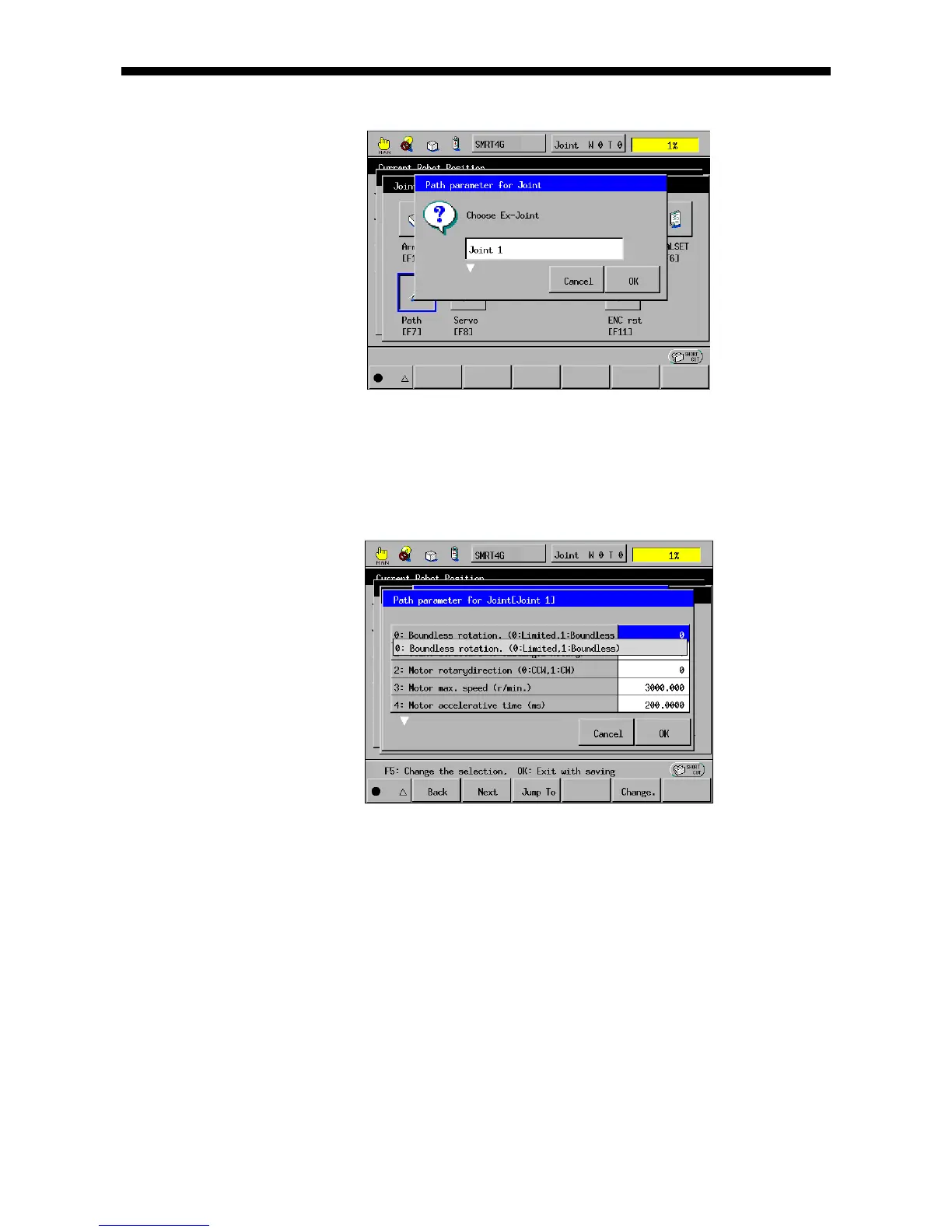
(3) Press [F7 Path]. The path configuration window appears as shown below.
(4) Select the target joint (J1 in this example) by using the cursor keys or jog dial.
Press [OK]. The path configuration parameters window appears as shown below.
Change the path configuration parameters and press [OK].
Note: For the detailed procedure, refer to Section 4.5 "Detailed Description of
Joint Parameter Setting."
The path configuration parameters are listed in the table on the next page.
Note: Some parameters will take effect after the controller is restarted.



 To Next Page