Chapter 4 Configuring the Joint Parameters
50
4.5 Detailed Description of Joint Parameter Setting
The path configuration parameters and servo configuration parameters should be
configured with joints being connected to motors.
(1) Resetting the encoder
The encoder is not connected with a backup battery at the time of shipment, so the
error message "J* encoder system down" or "J* encoder speed exceeded" will
appear.
If this happens, reset the encoder (refer to Section 4.8.3) and restart the controller.
(2) Setting the path configuration parameters
For the calling-up procedure of the path configuration parameters window, refer to
Section 4.1.
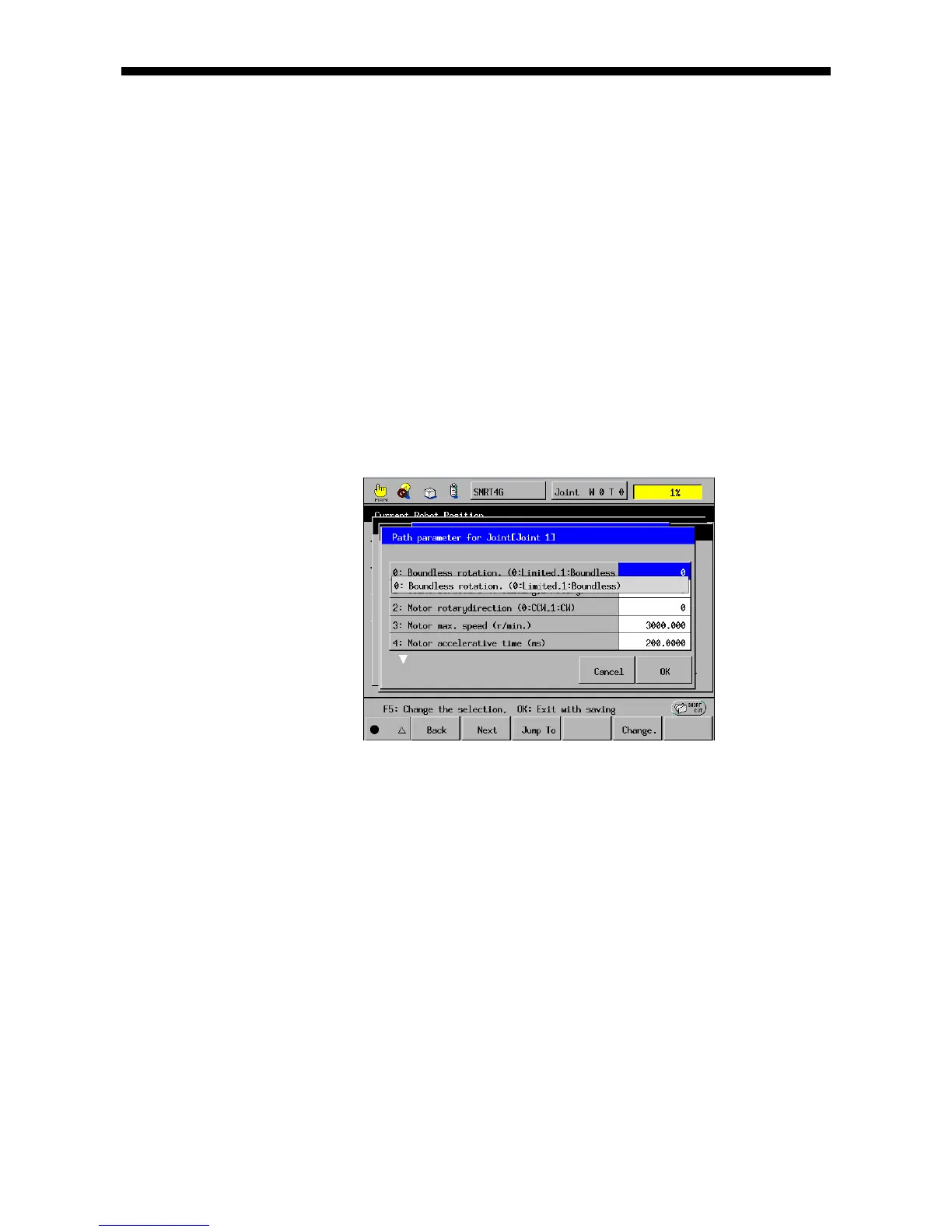
(2-1) Boundless rotation
The boundless rotation function suppresses errors that could occur if a joint keeps on
rotation in the same direction. (This function applies to J5 or later.) You need to set
the boundless rotation parameter to [1: Boundless] in the path configuration
parameters window.
Notes for allowing boundless rotation
(1) When a joint is used as a rotary joint, an absolute motion command (DRIVEA or
MOVE with EXA option) can drive it within the range of ±360°. When it is used as
a sliding joint, the allowable motion range is ±32768 in the number of motor
rotations from the reference position (CALSET position).
(2) If a movement of a rotary joint exceeding the range of ±360° is commanded, the
joint rotates the specified angle and then it automatically returns to the position
within the range of ±360°. This correction operation changes the reference
position (CALSET position). Therefore, the Step Back function cannot return the
program control back to the steps preceding the change of the reference
position.



 To Next Page