Chapter 4 Configuring the Joint Parameters
49
4.4 Outputting a List of Joint Parameter Settings (Using
WINCAPSIII)
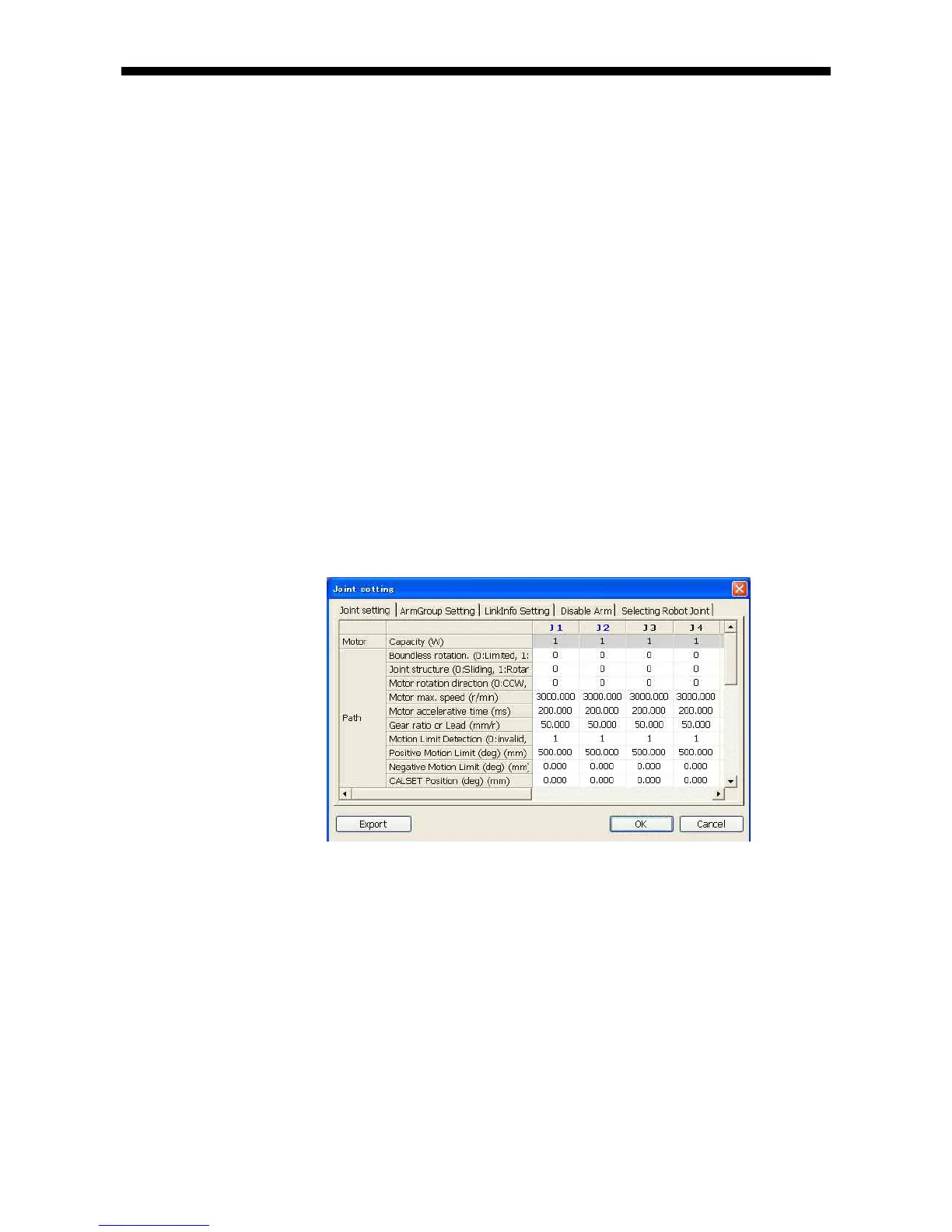
WINCAPSIII can display a list of joint parameter settings on the PC screen and
output it in CSV format.
If you log on to WINCAPSIII as Programmer or higher level, you can configure the
following parameters in the Joint Setting window.
- Joint setting table tab
Path settings
Servo settings
Arm settings
- Arm group tab
- Link info tab
- Disable arm tab
- Selecting Robot Joint tab
(1) Calling up the "Joint setting" window
Access: Project | Joint Setting Table
"Joint setting table" Window
(2) Outputting the joint setting table data in CSV format
Access: Export button in the Joint setting window
Pressing the [Export] button displays the file selection dialog box where you
select a file to save the data in CSV format.



 To Next Page