Chapter 4 Configuring the Joint Parameters
71
4.8 Joint Exclusive Operations
4.8.1 Performing CALSET Operation on Each Joint
■ From the teach pendant
(1) Call up the Maintenance Functions (Arm) window.
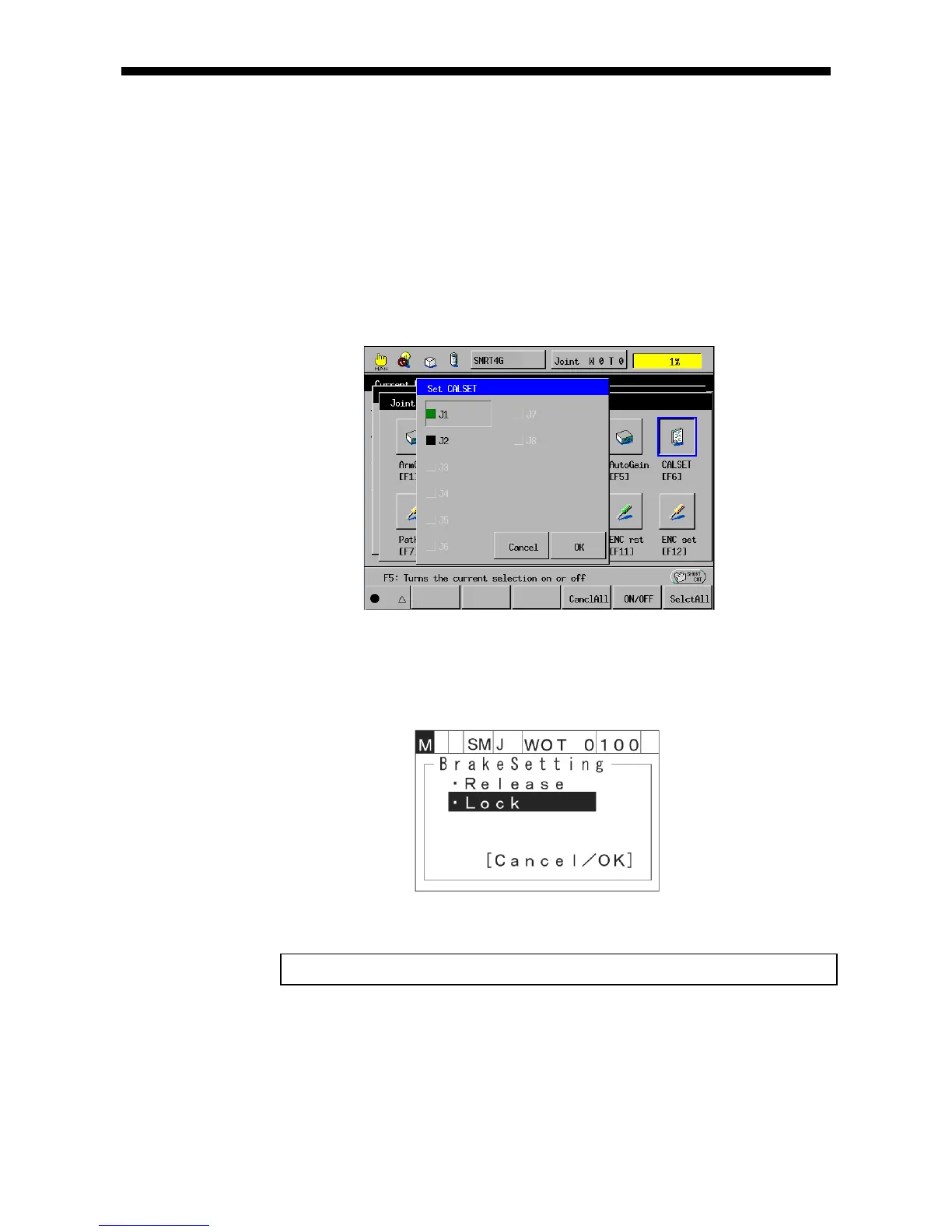
Access: Top Screen―[F2 Arm]―[F12 Maint.]―[F6 CALSET]
Select a joint to be CALSET and press [OK]. CALSET on the selected joint will
start.
■ From the mini-pendant
Access: [AUX]—[ArmAux]—[CalSet]
(1) The CALSET joint selection window appears.
(2) Enter a joint number to be CALSET.
NOTE: Selecting 0 performs CALSET on all joints.
(3) Press [OK] to start CALSET on the selected joint.



 To Next Page