Chapter 4 Configuring the Joint Parameters
77
■ From the mini-pendant
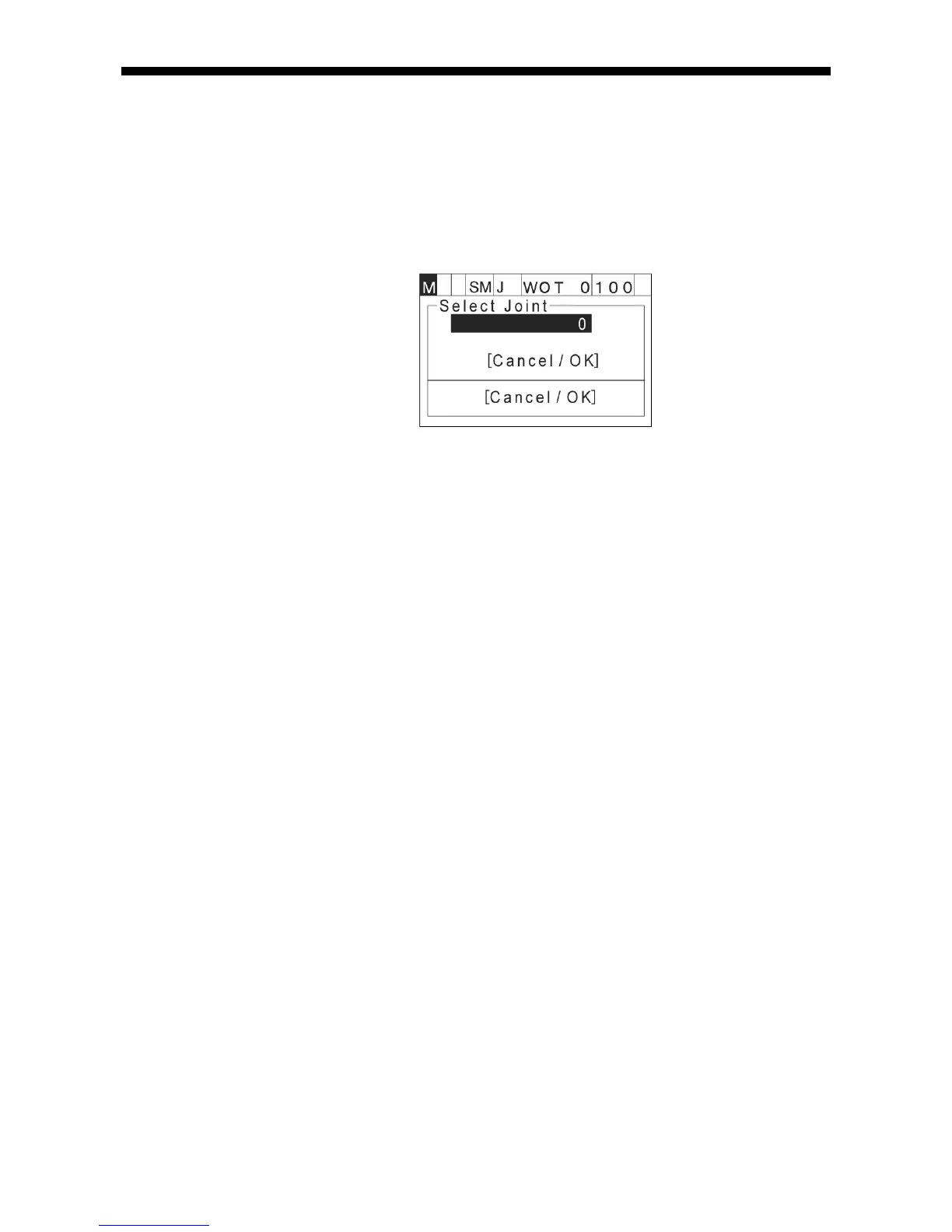
Access: [AUX]—[ArmAux]—[EncRst]
(1) The "Select Joint" screen appears, prompting you to choose the joint to reset the
related encoder.
(2) Select the target joint.
(3) Press [OK] to start resetting the encoder on the target joint.
4.8.5 Operating Extended-Joints
For the operating procedures for the manual operation of extended-joints, for taking
position data into variables, and for moving a joint with a variable in an extended-joint
motion, refer to the Supplement for Extended-Joints Support.



 To Next Page