Chapter 4 Configuring the Joint Parameters
73
■ From the mini-pendant
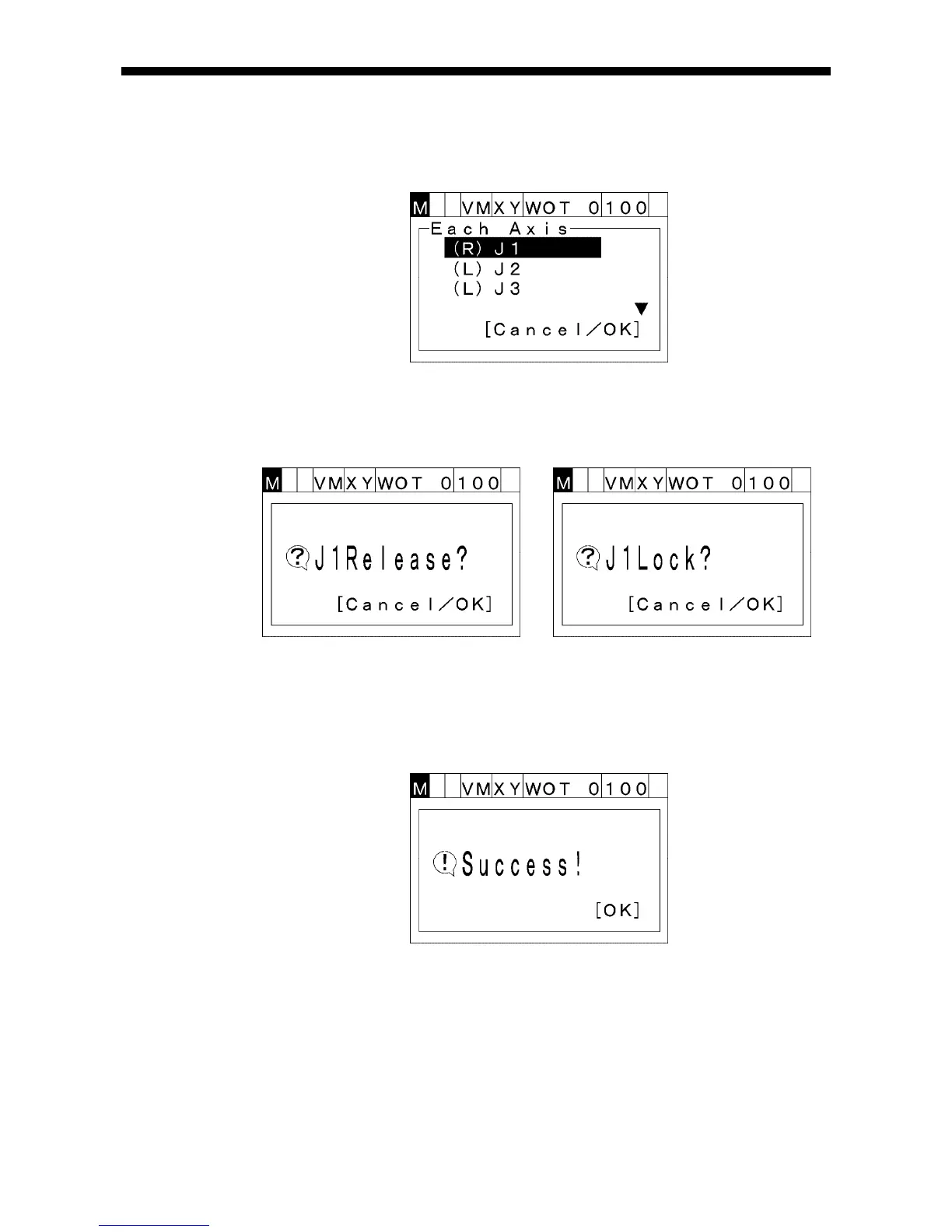
(1) Press [BRAKE] to call up the "BrakeSetting" window shown below.
(2) Choose an arbitrary joint with the up and down cursor keys. (You can vertically
scroll the screen with those keys.)
Then press [OK]. Either of the following windows will appear.
(3) To switch the selected joint brake between Release and Lock status, press [OK].
To abort brake setting and return to the previous screen, press [CANCEL].
(4) If the selected brake is released or locked successfully as specified, the following
message will display.



 To Next Page