Originalbetriebsanleitung Allgemein EN-31
21.1 Checking the bearing play
Proceed as follows to check whether the headset is too
loose:
1. Grip the upper ball socket with your thumb and
forenger.
2. Actuate the front brake with your left hand and move
the bicycle gently forwards and backwards.
3. If the headset is too loose, there will be signicant
jerking on the upper ball socket.
4. If you feel jerking in the upper ball socket, the bearing
play must be reduced.
A headset that is too tight will be sti:
1. Lift the bicycle by its frame so that the front wheel is
o the ground.
2. If the handlebars only move sluggishly and unequally
from one side to the other, the bearing play must be
increased.
21.2 Adjusting a screw headset
1. Loosen the lock nut by turning this counterclockwise
using a wrench.
2. To reduce the bearing play, turn the upper ball socket
clockwise using a wrench. To increase the bearing
play, turn the upper ball socket counterclockwise
using a wrench.
3. Hold the upper ball socket with a wrench so that the
bearing play does not change again.
4. Now, tighten the lock nut again by turning this
clockwise using a wrench 13. Tightening torques for
threaded connections Page EN-19.
5. Check the bearing play again 21.1 Checking the
bearing play Page EN-31 and adjust as required.
21.3 Adjusting Ahead headsets
21.3.1 Ahead headset I
To adjust the bearing play on this type of headset, the front
stem must be readjusted. You should therefore contact your
specialist workshop for this adjustment work.
1. Loosen the clamping screws counterclockwise.
2. Turn the adjustment screw clockwise to reduce the
bearing play.
3. Once the bearing play is set correctly, centre and
secure the front stem by tightening the clamping
screws clockwise to the specied tightening torque
using a torque wrench 13. Tightening torques for
threaded connections Page EN-19.
21.3.2 Ahead headset II
To adjust the bearing play for this type of headset, there is
no need to readjust the front stem, which means that you
can perform this adjustment yourself, if you think you can.
Reducing the bearing play:
1. To reduce the bearing play, turn the adjustment screw
clockwise. The plastic tab in the setting window will
move to the left.
2. If the bearing play is still too high and the plastic tab
has already reached the end of the setting window,
turn the adjustment screw counterclockwise until the
plastic tab once again reaches the start of the setting
window.
3. Loosen the clamping screw on the clamping ring by
turning it counterclockwise a few turns.
4. Then, push the clamping ring towards the head tube.
Align the clamping and threaded rings on the front
stem.
5. Tighten the clamping screw clockwise to the specied
tightening torque using a torque wrench.
6. Turn the adjustment screw clockwise until the desired
bearing play is reached.
7. The clamping ring should t ush beneath the front
stem. If the front stem must be readjusted in order to
achieve this, please contact your specialist workshop
about this.
Increasing bearing play:
1. To increase the bearing play, turn the adjustment
screw counterclockwise. The plastic tab will move to
the right at the same time.
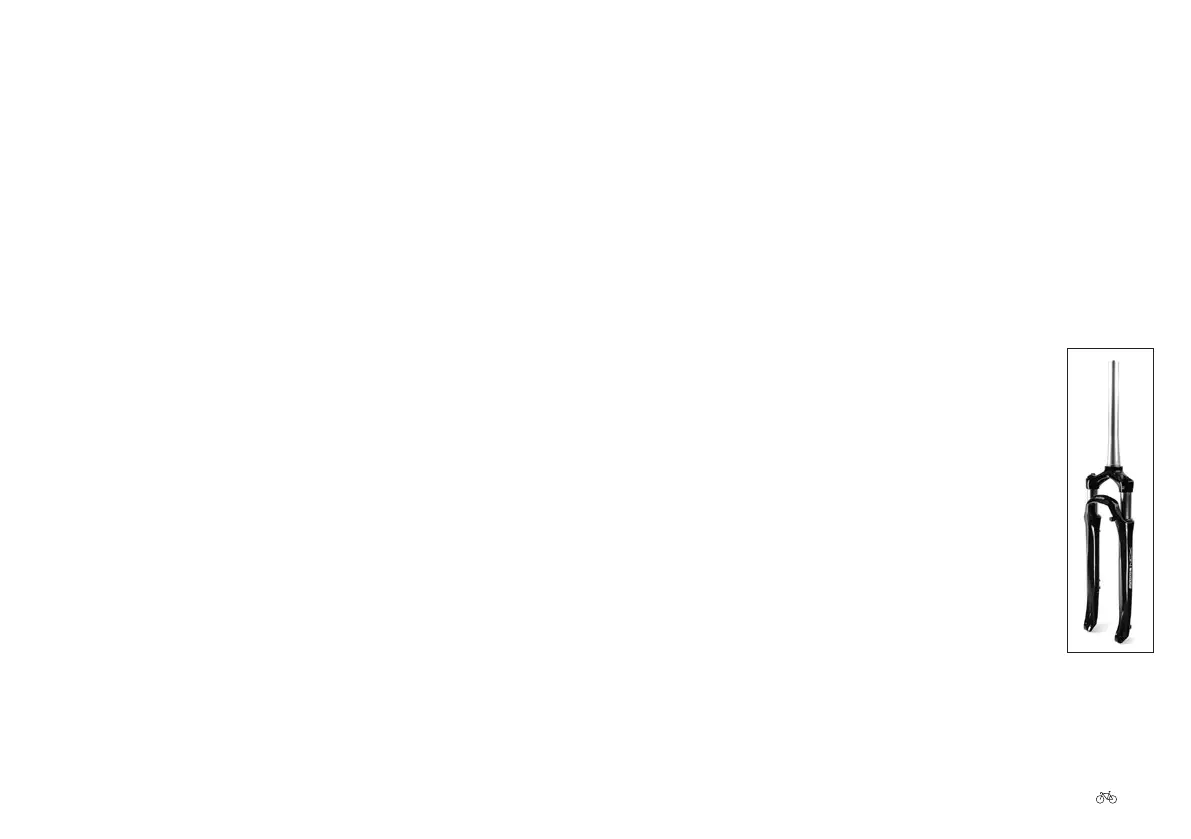
22. Bicycle fork
The front wheel is held in place by the
bicycle fork. The bicycle fork consists of
two fork blades, a fork bridge and a fork
steerer tube. If you own a carbon fork, be
sure to read 6.3 Carbon: general safety
information Page EN-13. The majority of
bicycles are tted with suspension forks.
Suspension forks are often adjustable, and
oer greater riding comfort.
Fig. 38
Suspension fork











 To Next Page