User Manual DEV 1953
58 Copyright DEV Systemtechnik GmbH 2015-2017
Note:
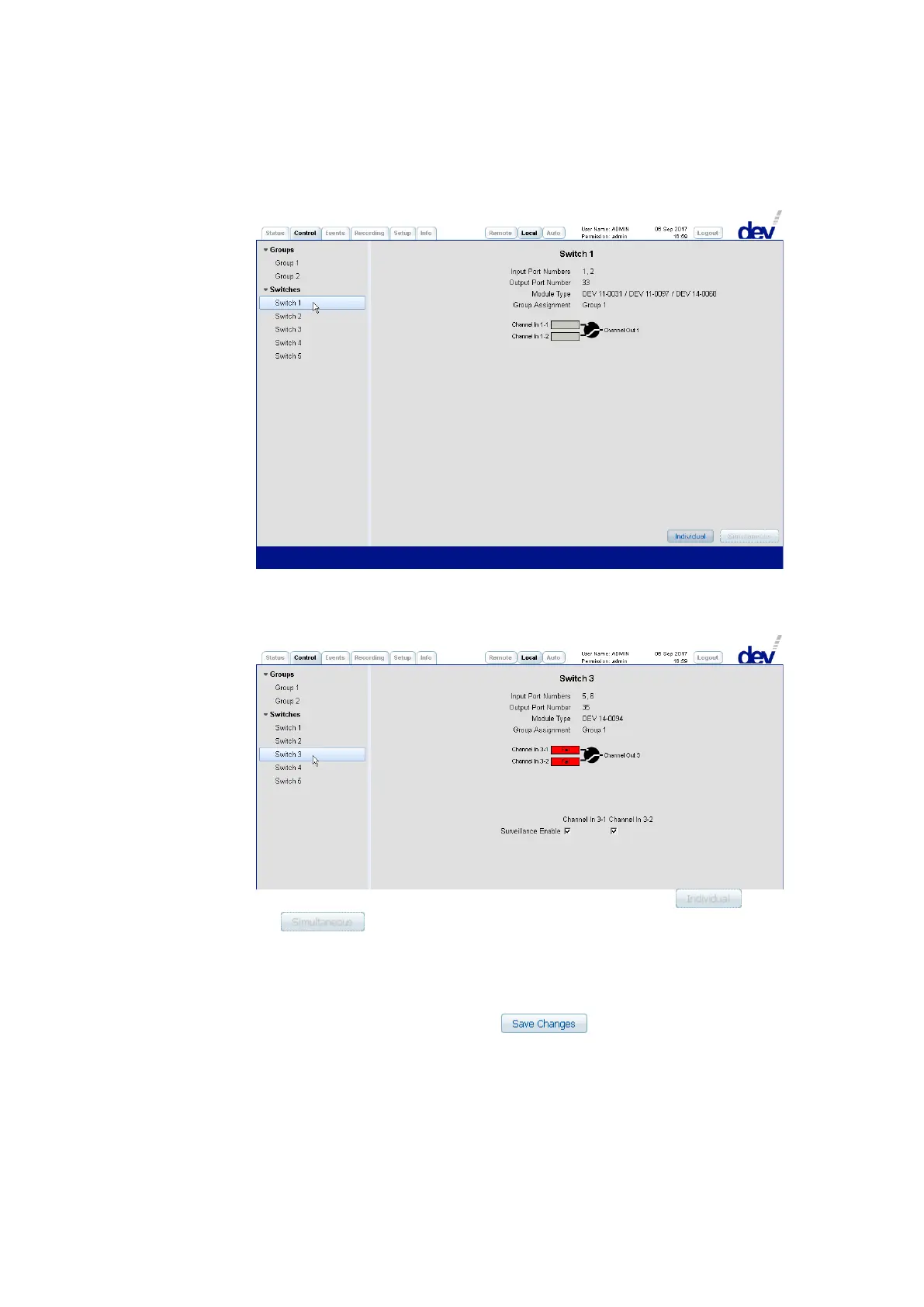
• The input ports of many switch modules appear as gray rectangles:
• Enabled (!) input ports of digital signal switch modules which are capable of
judging the digital signal quality are shown as rectangles with a red or with
a green background:
• Again, if the device is in Remote Mode or in Auto Mode, the and
the switching mode buttons are disabled (grayed out).
3) For sensing switch modules and for digital signal switch modules a third section
appears below the switching section permitting the modification of module
specific parameters. Note that after settings have been altered within this
section in Local Mode (!), a click on the button is necessary to
apply the changes:
• For both input ports of a sensing switch module, the "RF Threshold" can be
adjusted individually within a certain range.
• The "Surveillance Enable" check boxes are used to enable (default) or to disable
events possibly caused by the input ports of sensing switch modules and of
digital signal switch modules.



 To Next Page