[Accessibility] 3-5
[Successful Complete
Sound]
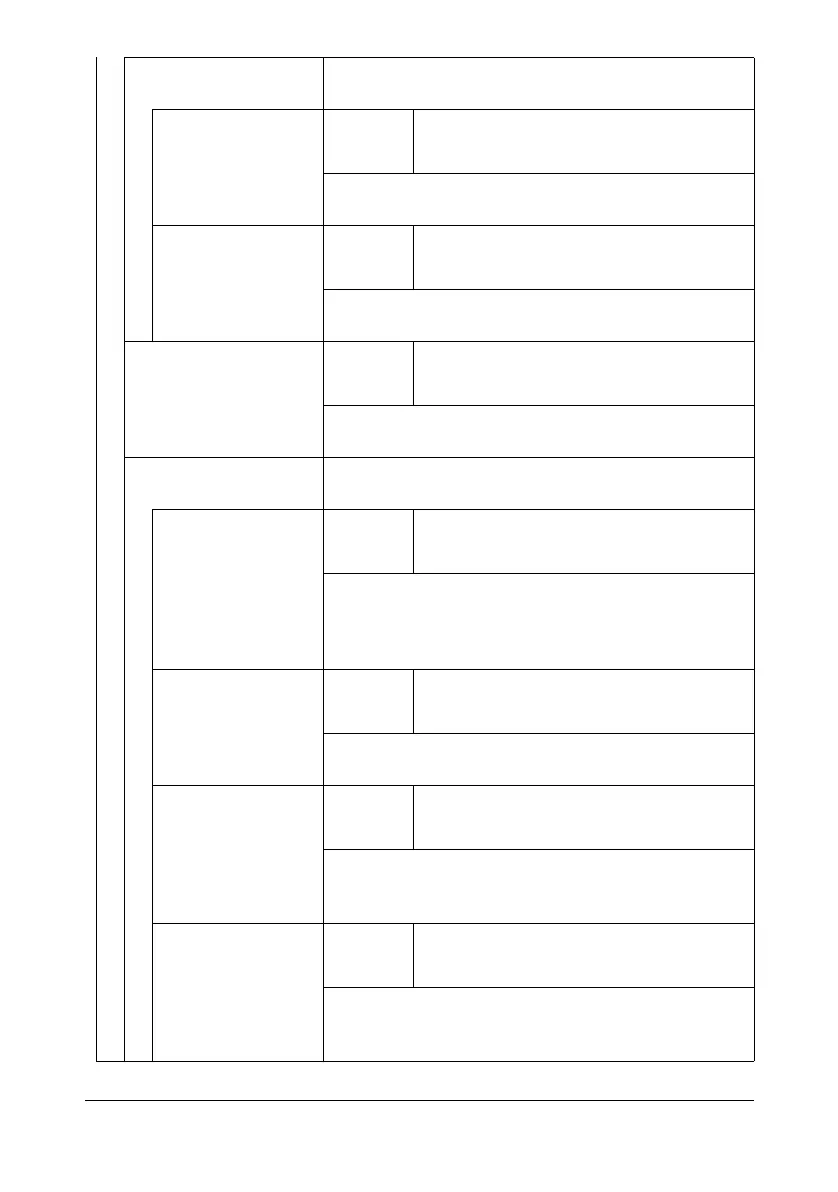
Select if sounds are to be produced when an opera-
tion or communication is completed successfully.
[Completed Opera-
tion Sound]
Settings Enable : [Yes] / [No]
Volume : [Low] / [Middle] / [High]
Select whether sounds are produced when an opera-
tion is completed successfully.
[Completed TX
Sound]
Settings Enable : [Yes] / [No]
Volume : [Low] / [Middle] / [High]
Select whether sounds are produced when a commu-
nication is completed successfully.
[Completed Prepara-
tion]
Settings Enable : [Yes] / [No]
Volume : [Low] / [Middle] / [High]
Select if sounds are to be produced when machine
preparations are finished.
[Caution Sound] Select if sounds are to be produced when cautions
occur.
[Low Caution Sound
(Level 1)]
Settings Enable : [Yes] / [No]
Volume : [Low] / [Middle] / [High]
Select whether sounds are produced when a mes-
sage appears in the touch panel, warning that it is
almost time to replace consumables or a replaceable
part.
[Low Caution Sound
(Level 2)]
Settings Enable : [Yes] / [No]
Volume : [Low] / [Middle] / [High]
Select whether sounds are produced when the user
performs an incorrect operation.
[Low Caution Sound
(Level 3)]
Settings Enable : [Yes] / [No]
Volume : [Low] / [Middle] / [High]
Select whether sounds are produced when an error
occurs that can be corrected by the user by referring
to the message that appeared or the User’s Guide.
[High] Settings Enable : [Yes] / [No]
Volume : [Low] / [Middle] / [High]
Select whether sounds are produced when an error
occurs that cannot be corrected by the user or
requires a service representative.












 To Next Page