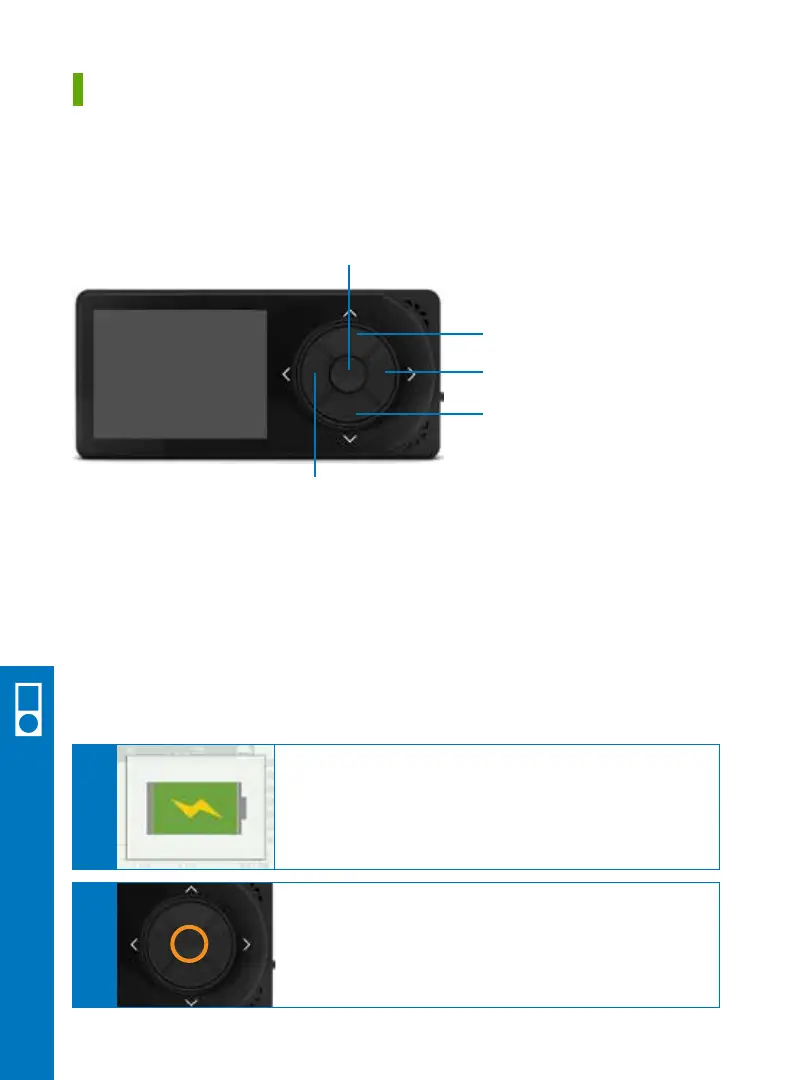
UP and DOWN: Scroll through trend screens, highlight menu items, or set values.
SELECT: Turns receiver on, selects the highlighted option, or goes to the main menu.
LEFT: Goes back to the last item or screen. This will take you back to the trend screen
from the main menu.
RIGHT: Highlights the next item.
UP
DOWN
RIGHT
SELECT
LEFT
A
Before setting up your receiver, make sure it is charged.
For more information on charging see your user guide.
A full charge will last about 3 days.
B
Press SELECT to turn your receiver on.
28 • Dexcom G5 Mobile CGM System Quick Start Guide
Section 6
Receiver Setup and Operation
6.1 Receiver Overview
6.2 Set Up Receiver
Receiver Setup & Operation



 To Next Page