EasyManua.ls Logo

Dexcom G5 Mobile - Transmitter Errors

Dexcom G5 Mobile
72 pages
Print Icon
To Next Page IconTo Next Page
To Previous Page IconTo Previous Page
Loading...
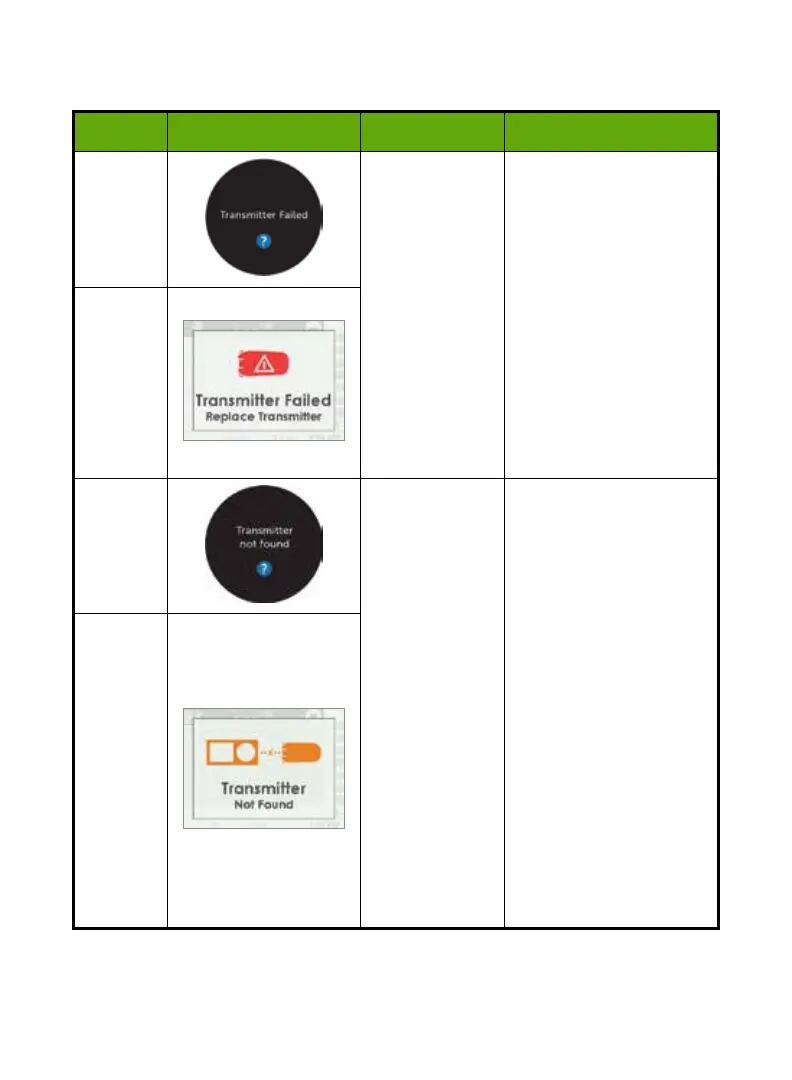
8.6 Transmitter Errors
Device What you see Problem What you do
Smart
Device
Transmitter not
working
Sensor session
automatically
stopped
No sensor
glucose readings
displayed
Contact Technical
Support to report issue.
Start checking BG value
using BG meter.
App:
Tap
OK
to clear Alert.
Receiver:
Press
Select
to clear.
Will not re-alert once
cleared.
Order new transmitter.
Receiver
Smart
Device
Pairing Failed
Check Transmitter SN in
display device is correct.
If wrong:
Stop
sensor
session
.
Re-Enter correct
transmitter SN.
App:
Menu > Trans SN> Enter
correct SN
Receiver:
Settings >Trans SN
>Enter correct SN
If correct:
Call Tech Support.
Receiver
Dexcom G5 Mobile CGM System Quick Start Guide 49

Other manuals for Dexcom G5 Mobile

Related product manuals