6.6 Start Sensor
Receiver Setup & Operation
A
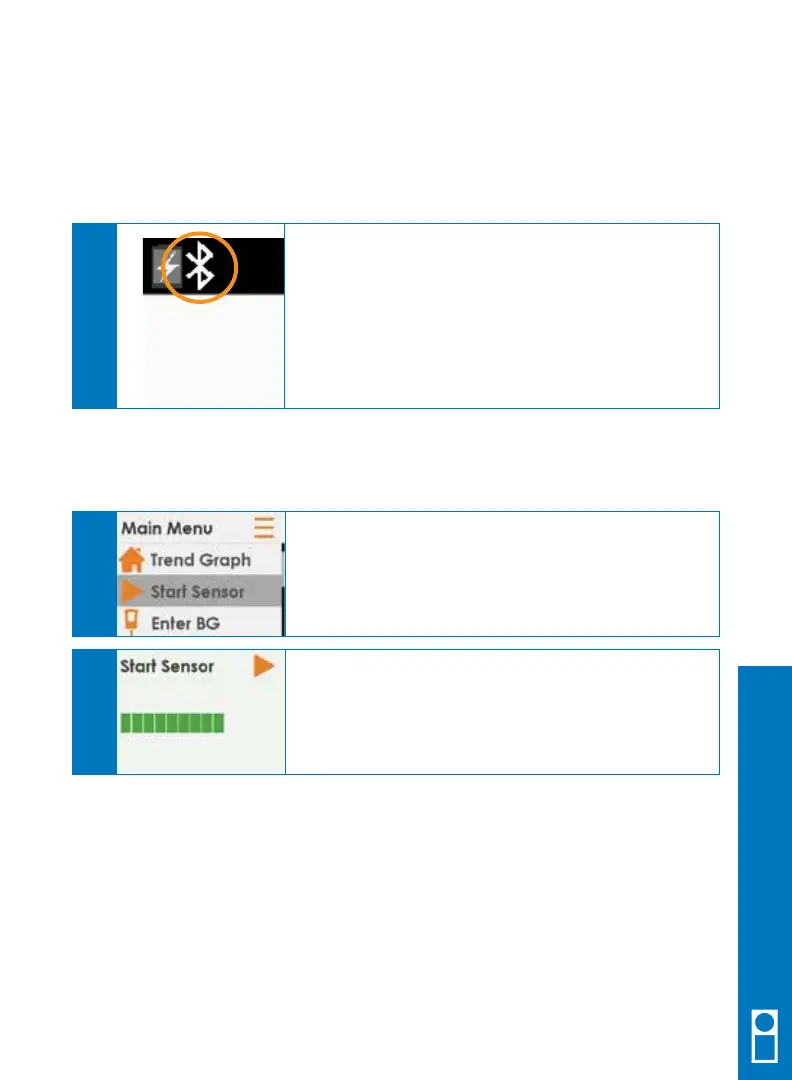
Check your receiver 10 minutes after attaching your
transmitter to make sure your receiver and transmitter
are communicating.
The
Bluetooth
symbol, in the upper left corner, blinks
while looking for a transmitter and turns solid when it
is found.
A
6.5 Confirm Transmitter and Receiver
Are Communicating
Dexcom G5 Mobile CGM System Quick Start Guide • 33
Once you have inserted your sensor, attached your transmitter, and made sure your
Bluetooth
symbol is solid you are ready to start your sensor.
From any trend graph, press SELECT to get to the
Main Menu.
Choose Start Sensor.
The Start Sensor screen appears on your
receiver letting you know the 2-hour sensor
warmup has begun.
A
B



 To Next Page