34 • Dexcom G5 Mobile CGM System Quick Start Guide
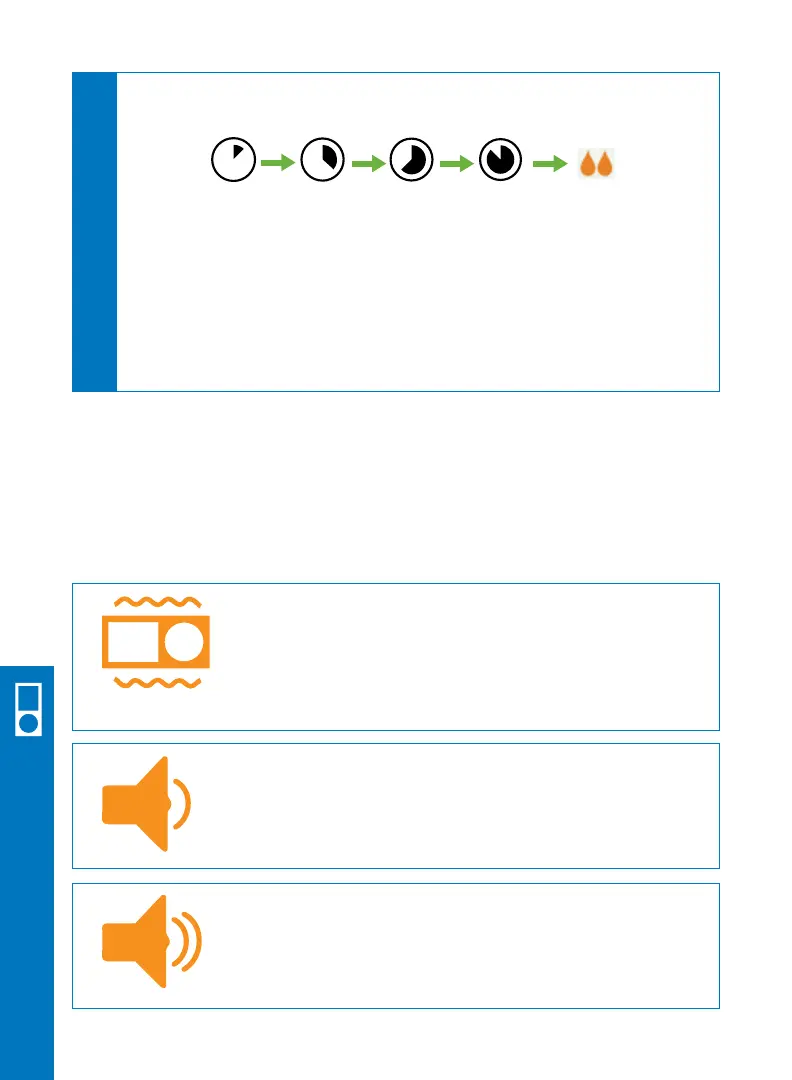
You can choose your receiver alert profiles. The sound you choose will apply to all alerts
(low and high). The default alert is Normal. See below for an overview of the different
sound options.
Vibrate: Can be used when you want to be alerted
by vibration.
The fixed low alarm at 55 mg/dL will still make a
sound. It will alert you by vibration first, followed by
audible beeps 5 minutes later if not confirmed.
Soft: Can be used when you want your alert to be discreet.
This sets all the alerts and alarms to lower volume beeps.
Normal: This is the default and sets all the alerts and
alarms to higher volume beeps.
6.7 Set Up Alert Sounds
Receiver Setup & Operation
[0-24
minutes]
[24-48
minutes]
[72-96
minutes]
Ready for
calibration
[48-72
minutes]
Start
You will NOT receive sensor glucose readings or alerts until your
2-hour sensor warmup and two BG meter values are complete. During
this time you might miss severe hypoglycemia (low blood glucose) or
hyperglycemia (high blood glucose) events.
A 2-hour countdown symbol will show on the receiver trend screen and will
fill in during the 2-hour sensor warmup.
C
Keep your receiver within 20 feet during the 2-hour sensor warmup.



 To Next Page