40 • Dexcom G5 Mobile CGM System Quick Start Guide
The sensor automatically shuts off after 7 days. The receiver alerts you at 6 hours, 2
hours, and 30 minutes before the sensor session ends.
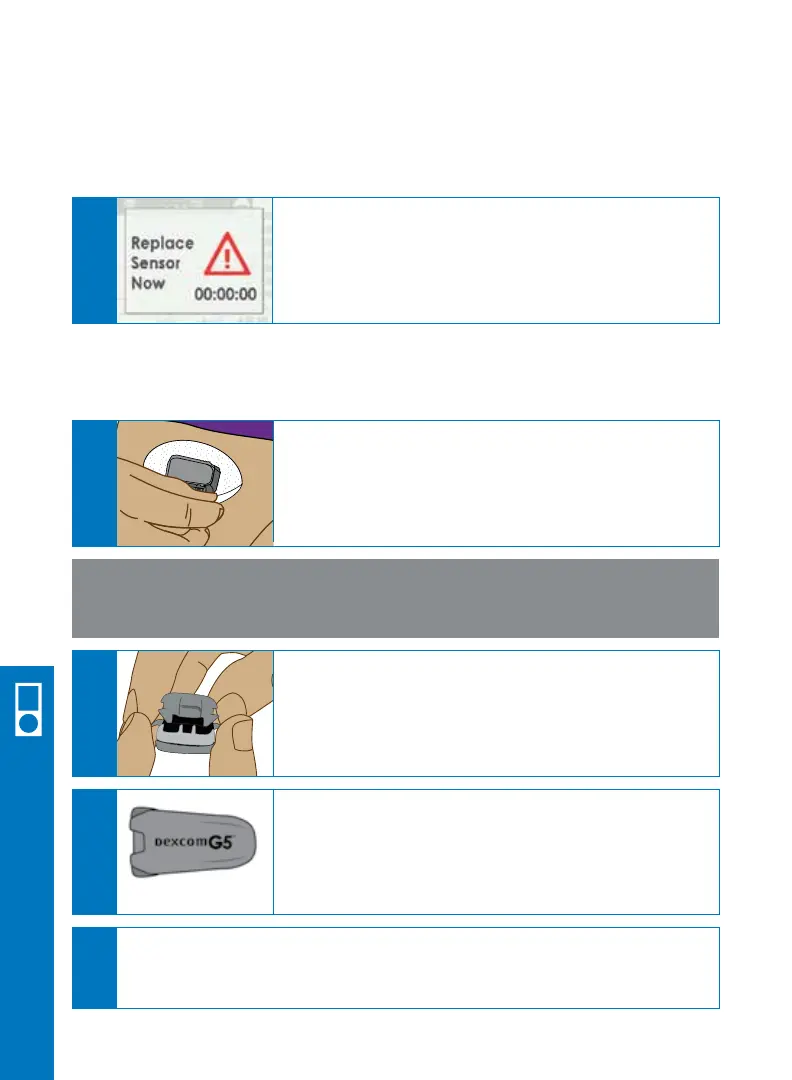
The Replace Sensor Now screen shows
when it is time to remove your sensor.
A
Peel the adhesive off your body like a
Band-Aid
®
. The sensor, sensor pod and
transmitter will be removed.
Use your fingers to spread the back tabs of the
sensor pod.
The transmitter will pop out.
Keep the transmitter to use again with your
next sensor.
A
B
C
Keep
NOTE: Do not remove the transmitter from the sensor pod until all
components (sensor, sensor pod) are removed from your body.
Dispose of the sensor following your local guidelines for disposal of blood-
contacting components.
D
6.11 End Sensor Session
6.12 Remove Sensor Pod and Transmitter
Receiver Setup & Operation



 To Next Page