Section 8
Troubleshooting
The solutions here are meant to be brief and not all inclusive. For full troubleshooting
information view the user guide at dexcom.com/guide.
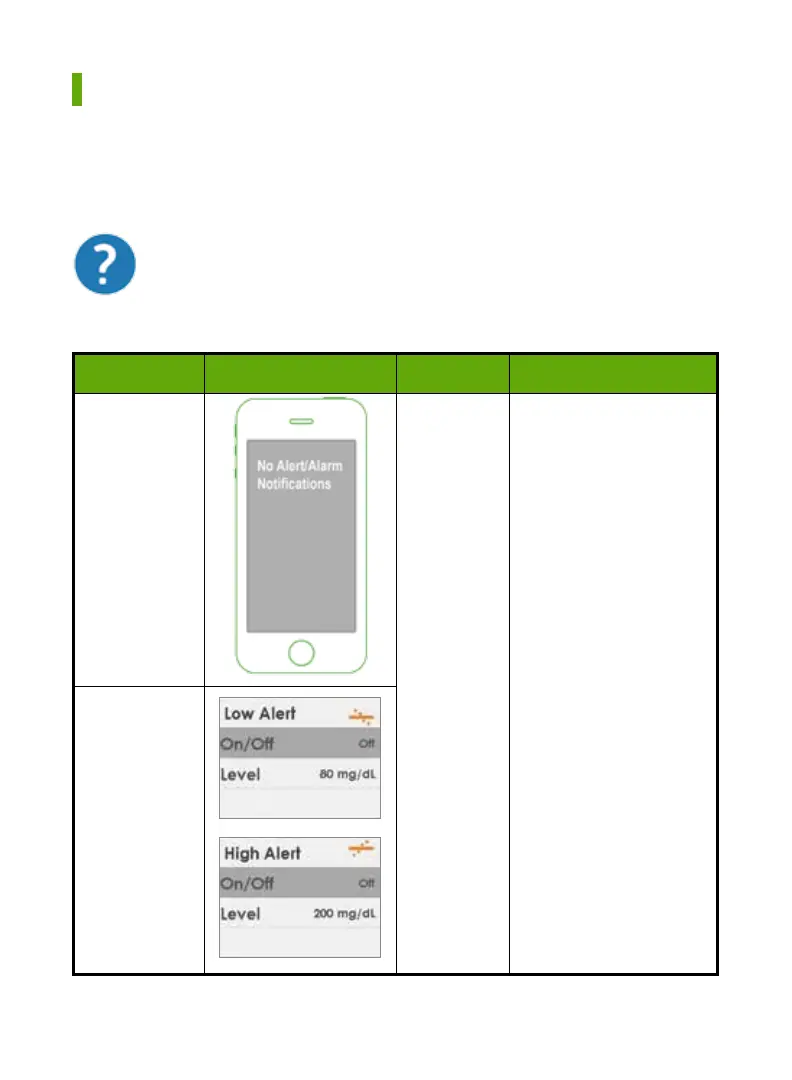
8.1 No Alarm/Alerts
Device What you see Problem What you do
Smart Device
Not
receiving
Alerts
Check if notifications
are on.
Check that your smart
device is not on mute (if
applicable).
Turn Alert to On
Receiver
(Continued on next page)
In your app tap the blue question mark for more information on
any issue or error you see.
42 • Dexcom G5 Mobile CGM System Quick Start Guide



 To Next Page