22 • Dexcom G5 Mobile CGM System Quick Start Guide
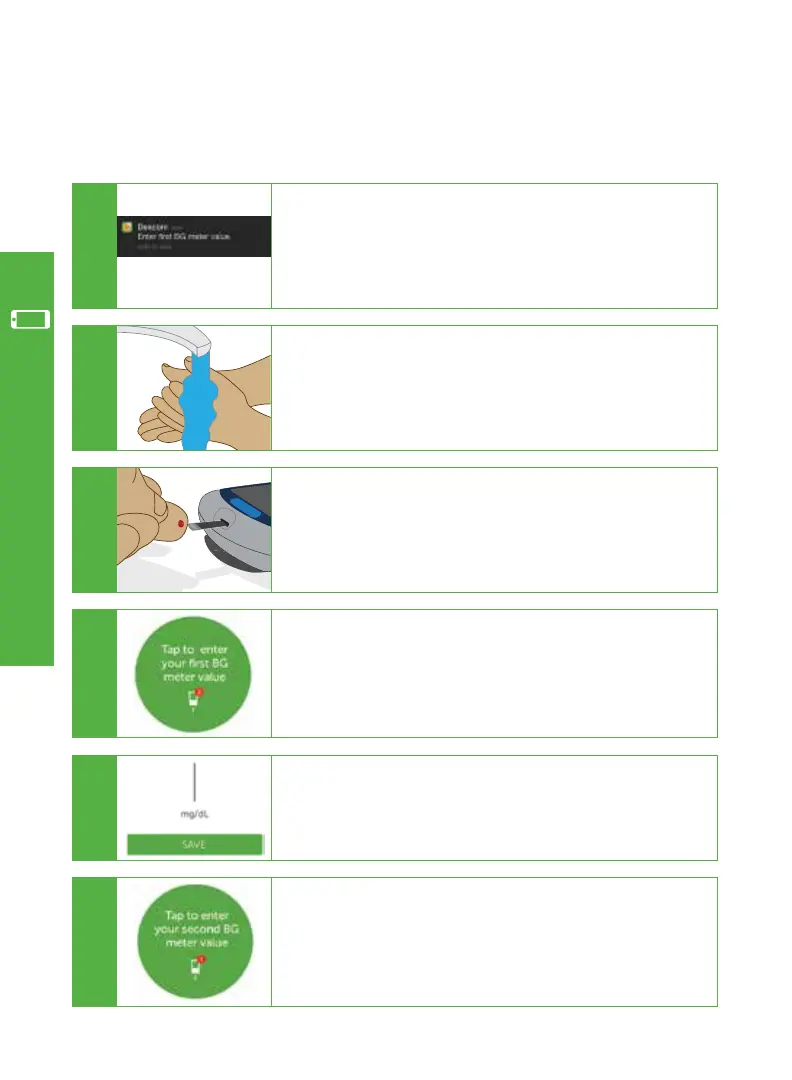
At the end of the 2-hour warmup, you must enter two separate BG meter values before
sensor glucose readings begin.
E
Enter the exact value from your BG meter.
Tap SAVE.
B
Wash and dry your hands.
C
Take a fingerstick BG measurement using your
BG meter.
Your app alerts you when you need to enter your two
BG meter values.
Go to your app to enter values.
A
D
Tap the circle to enter your BG meter value within five
minutes of obtaining the value.
F
Repeat steps above to enter a second BG meter value.
Entering two separate BG meter values will ensure an
accurate reading.
5.2 Enter Initial BG Meter Values
App Setup & Operation



 To Next Page