Dexcom G5 Mobile System User Guide
109Calibration
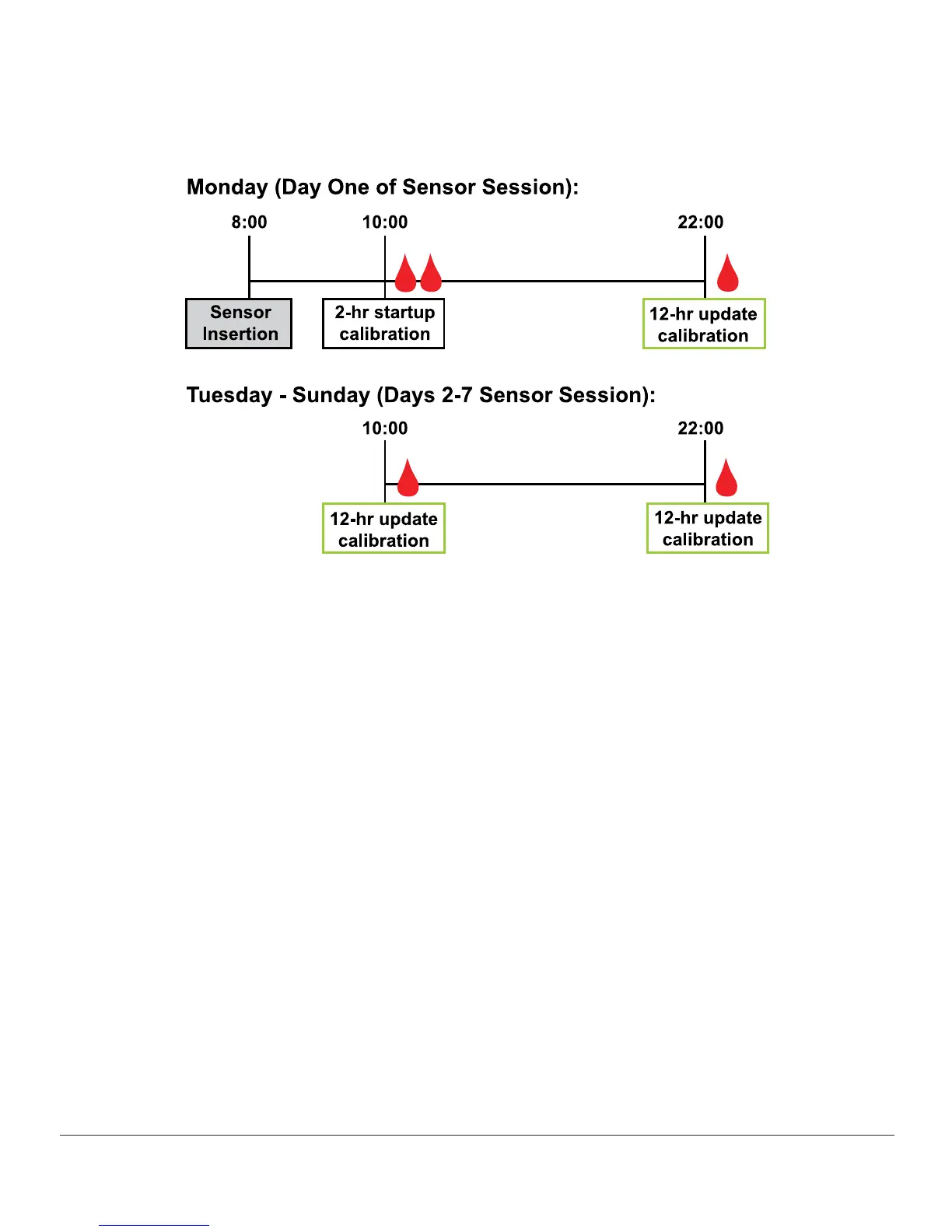
Figure 5. Example Minimum Calibration Schedule During Seven-Day Sensor Session
7.5 Calibration Prompts
Sensor Session Startup Calibration Prompts
Once your two-hour sensor start-up is complete, your display device tells you it’s time to
enter the first of your two back-to-back start-up calibrations. Once the system has accepted
your BG values, your glucose readings begin. If you don’t enter your BG values right away, the
system reminds you every 15 minutes. Remember, only use your BG meter for calibrations,
and never enter values from your CGM.



 To Next Page