Dexcom G5 Mobile System User Guide
385Dexcom Share
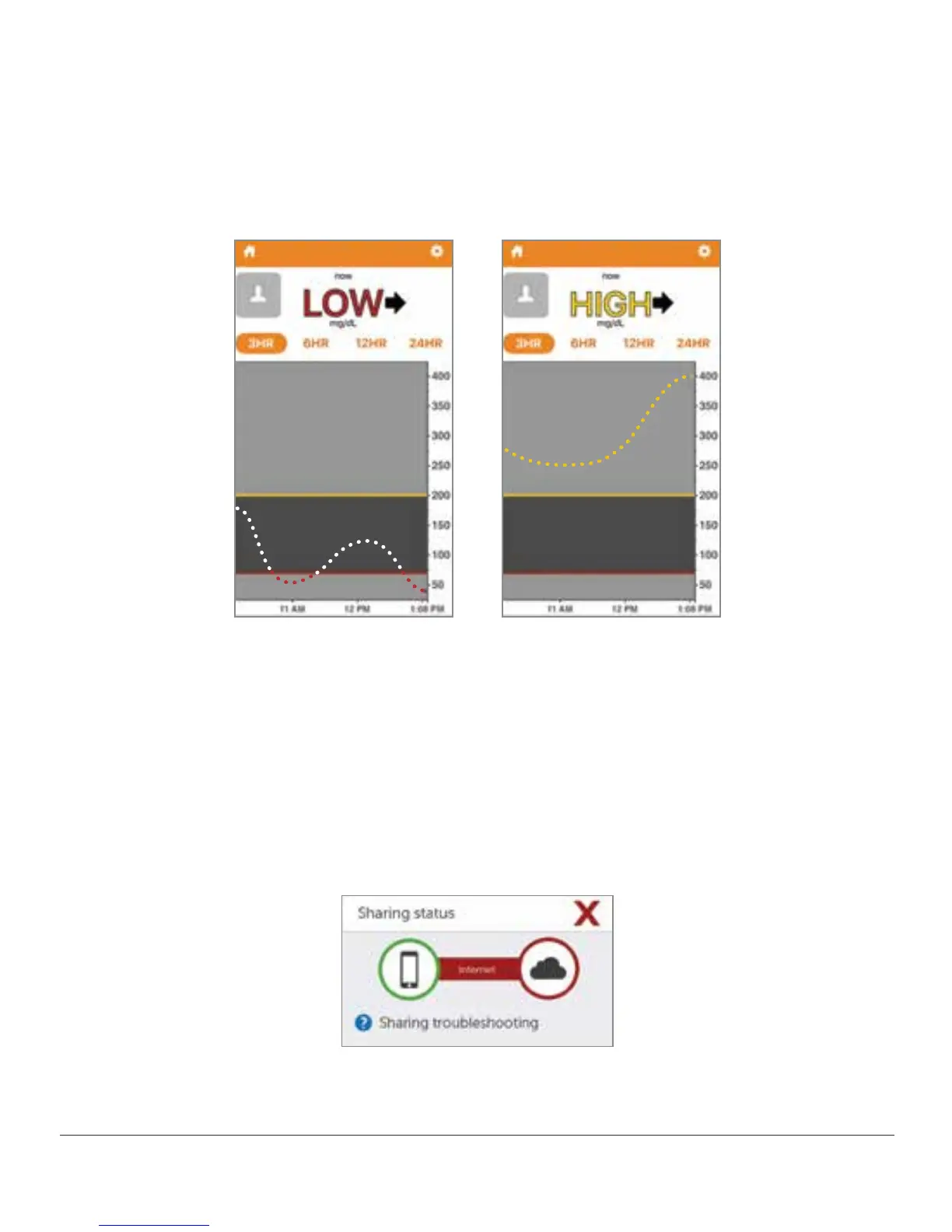
If your sensor glucose readings are outside of the 40-400 mg/dL range, your Followers will
not receive sensor readings, just a “LOW” (less than 40 mg/dL) or “HIGH” (greater than
400 mg/dL).
Figure 14. Follower Information
21.8 Troubleshooting
Dexcom Share Troubleshooting
Troubleshooting Sharing Status - See the Troubleshooting Sharing Status Issues portion of
Section 21.6.
Figure 15. Sharing Status Troubleshooting



 To Next Page