Dexcom G5 Mobile System User Guide
364Dexcom Share
(Continued on next page)
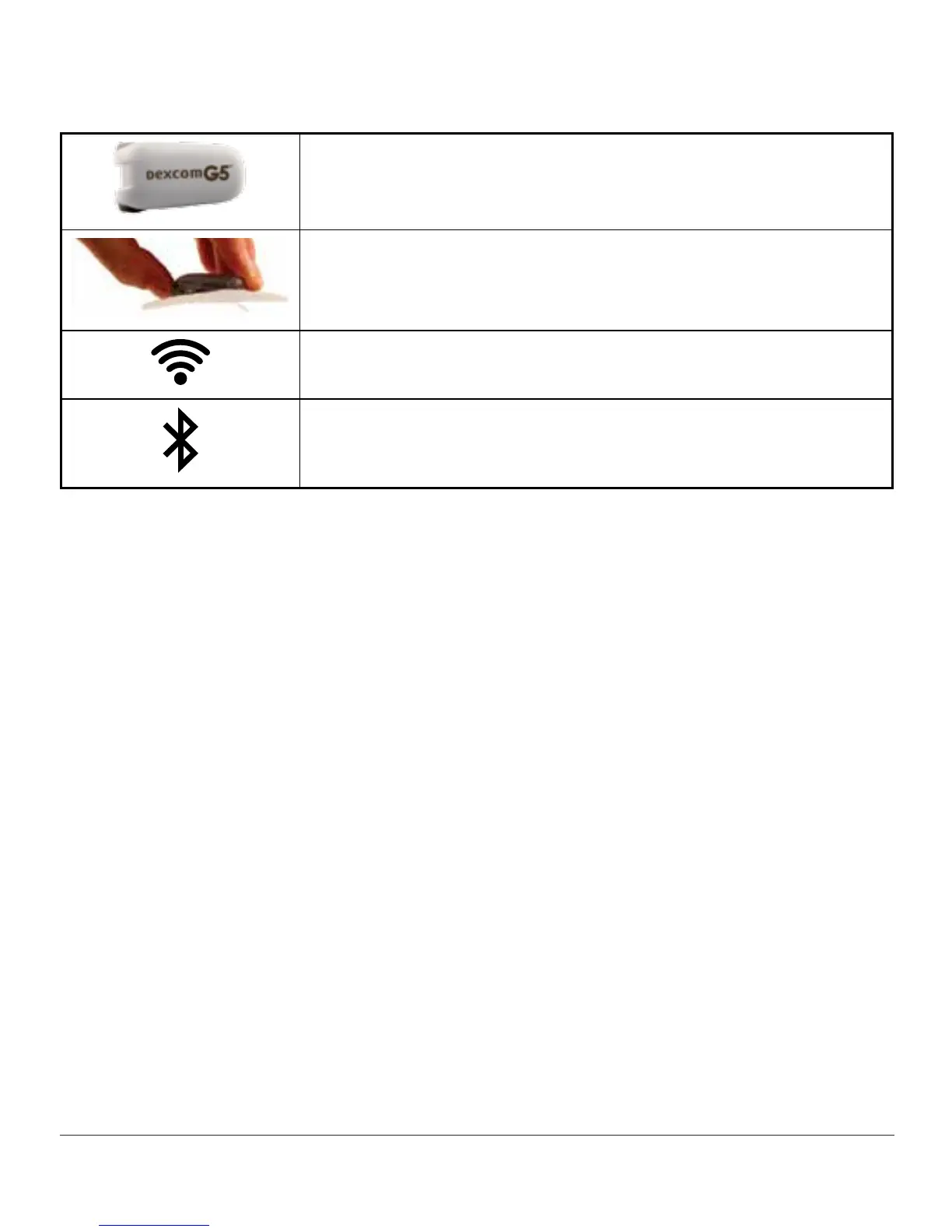
Dexcom G5 transmitter
Dexcom G5 Mobile/G4 PLATINUM sensor
Internet/Wi-Fi or mobile data service/3G/4G/LTE*
Bluetooth
*
Must be purchased separately.
1
A list of compatible devices can be found at dexcom.com/compatibility.
Conditions Affecting Use
Once sharing is active, make sure the Sharer’s and Follower’s smart device settings are not
altered.
Make sure the Sharer’s and Follower’s smart devices have:
• Enough battery power to maintain sharing
• An active Internet connection
• Notifications turned on
- If turned off, Follower will not receive any notifications
Dexcom recommends charging the smart device when sharing.
21.3 Risks and Benefits
Risks
Dexcom Share is a feature of the G5 Mobile app. The main risks involved with using the
Dexcom Share feature are based on misunderstanding its purpose.



 To Next Page