Dexcom G5 Mobile System User Guide
220Sensor Glucose Alarm and Alerts
(Continued from previous page)
What you see Beeps and vibration
Initial Default Alert:
None/Off.
After Setting Change:
Vibrates 2 times.
After 5 Minutes:
Vibrates/beeps 2 times every 5 minutes until confirmed.
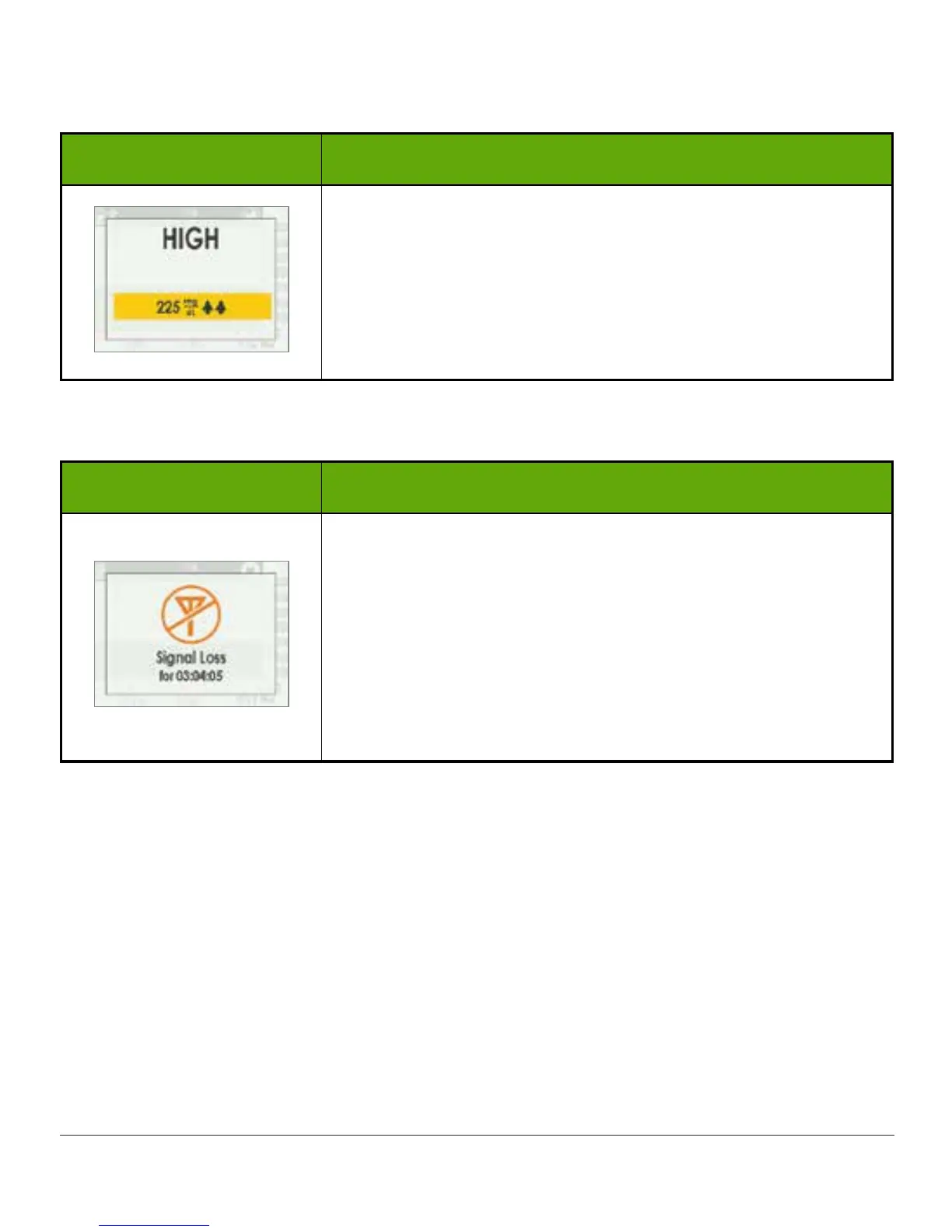
Signal Loss Alert
What you see Beeps and vibration
Initial Default Alert:
On.
After Setting Change:
Vibrates 1 time.
After 5 Minutes:
Vibrates/beeps 1 time every 5 minutes for a total of 6 times if
not confirmed.
After 6 times it will not alert again.
11.7 Confirming Alarm/Alerts
Alarm/Alerts require you to confirm them. How this is done depends on your display device. If
using both display devices, you’ll need to confirm Alarm/Alerts on each device separately.
Due to its medical importance, the Alarm is more persistent. Even after confirming an Alarm,
if your sensor’s glucose readings remain at or below 55 mg/dL, an Alarm will sound every 30
minutes until readings are above 55 mg/dL.



 To Next Page