Dexcom G5 Mobile System User Guide
221Sensor Glucose Alarm and Alerts
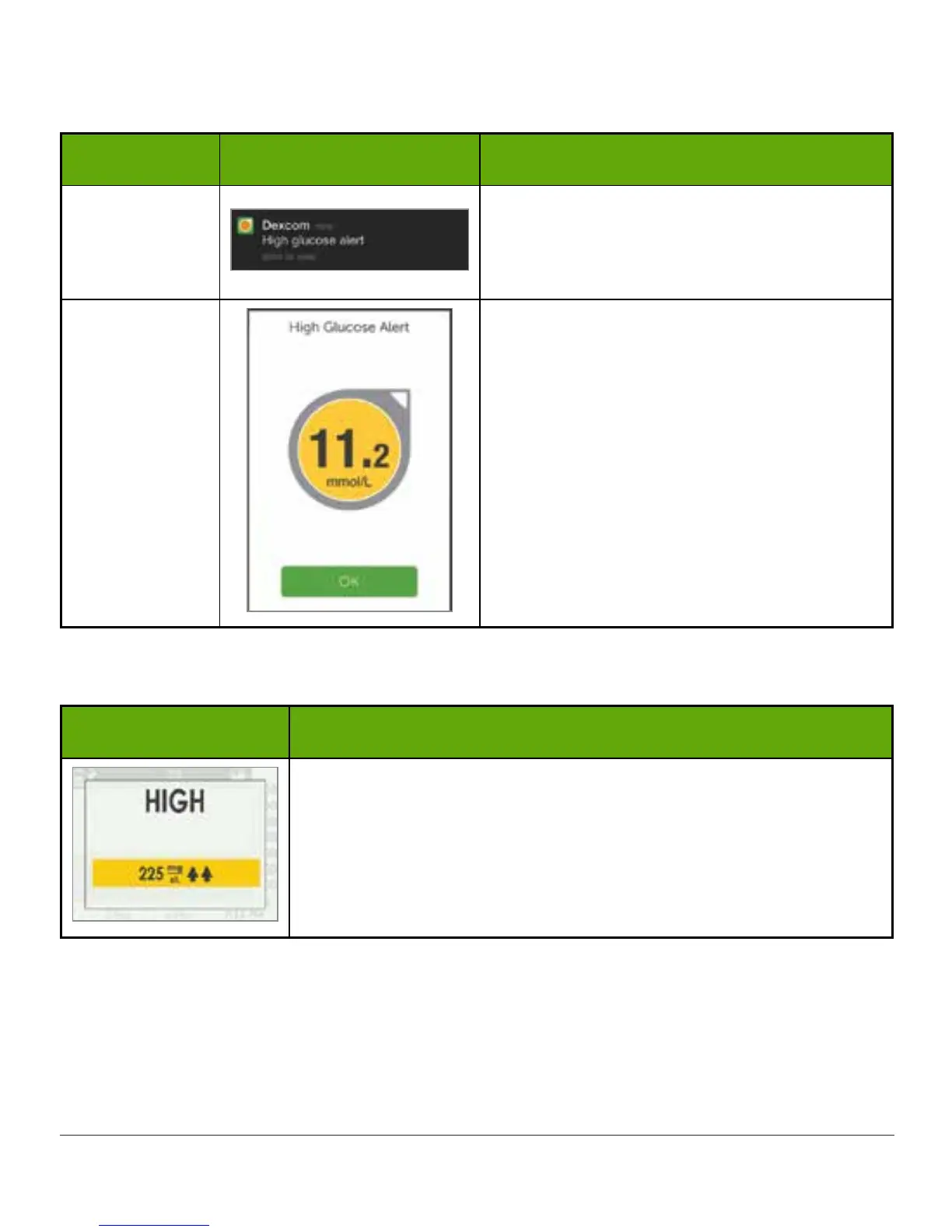
Smart Device: Confirming Alarm/Alerts
Device What you see What you do
Smart Device:
Lock Screen
iOS:
Slide Alarm/Alert right to open app.
Smart Device:
In App
Tap OK to confirm Alarm/Alert.
Receiver: Confirming Alarm/Alerts
What you see What you do
Press select button.
Once confirmed, you won’t receive the same Alert unless you hit the Alert’s target range
again. Your Alarm will repeat even after confirming if your glucose levels do not return to your
target range.



 To Next Page