Dexcom G5 Mobile System User Guide
96Starting a Sensor Session: Inserting Sensor, Transmitter, and Starting Your Session
(Continued from previous page)
Step What you see What you do
5
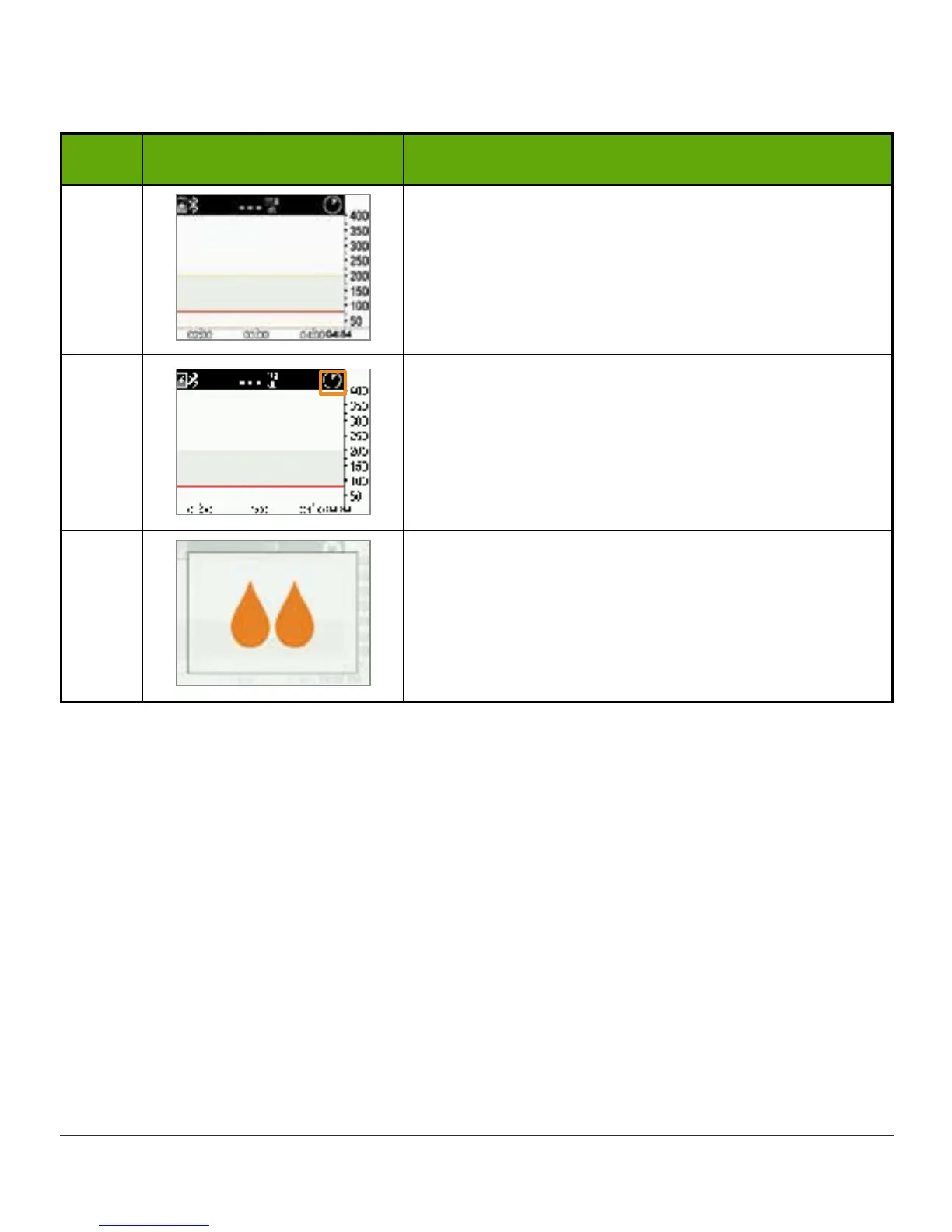
Receiver returns to the trend graph screen.
6
Wait.
Screen provides countdown of the two-hour sensor
warmup.
7
Sensor warmup is complete.
You're ready to calibrate!
6.9 Receiver Bluetooth Tips
Your transmitter and receiver begin communicating once you start a sensor session. After
approximately 30 minutes, if the Bluetooth symbol is solid, and not blinking, your transmitter
and receiver are talking to each other.
• If blinking, Bluetooth is looking for your transmitter
- Make sure your transmitter and receiver are within 20 feet of each other
- Don’t start a sensor session until they are paired.
If the Bluetooth icon isn’t on the receiver and the Signal Loss icon appears in the receiver’s
upper right corner of the status bar, they’re not communicating. Unlike with other Alerts,
if your smart device is on Silent or Do Not Disturb, you won’t get a vibration or hear any



 To Next Page