Dexcom G5 Mobile System User Guide
97Starting a Sensor Session: Inserting Sensor, Transmitter, and Starting Your Session
notifications. You will only see the Alert. To make sure you get your Signal Loss Alert, check
to see that your smart device is not set on Silent or Do Not Disturb.
No Communication Between Transmitter and Receiver
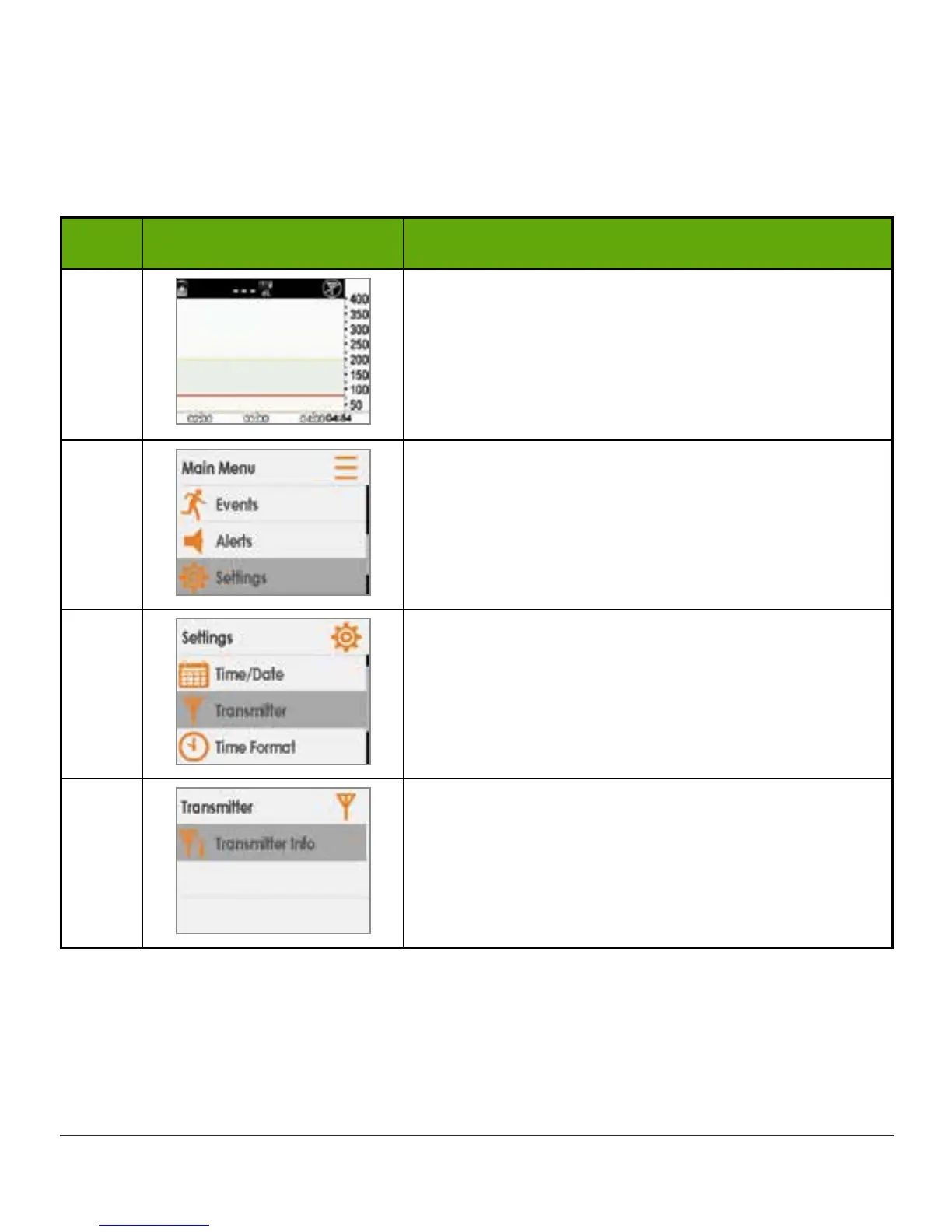
Step What you see What you do
1
Check correct transmitter SN is in receiver.
SN is on the label on bottom of transmitter box.
Press select button to go to Main Menu.
2
Press down arrow to highlight Settings.
Press select button.
3
Press down arrow to highlight Transmitter.
Press select button.
4
Press select button again.
(Continued on next page)



 To Next Page