Dexcom G5 Mobile System User Guide
98Starting a Sensor Session: Inserting Sensor, Transmitter, and Starting Your Session
(Continued from previous page)
Step What you see What you do
5
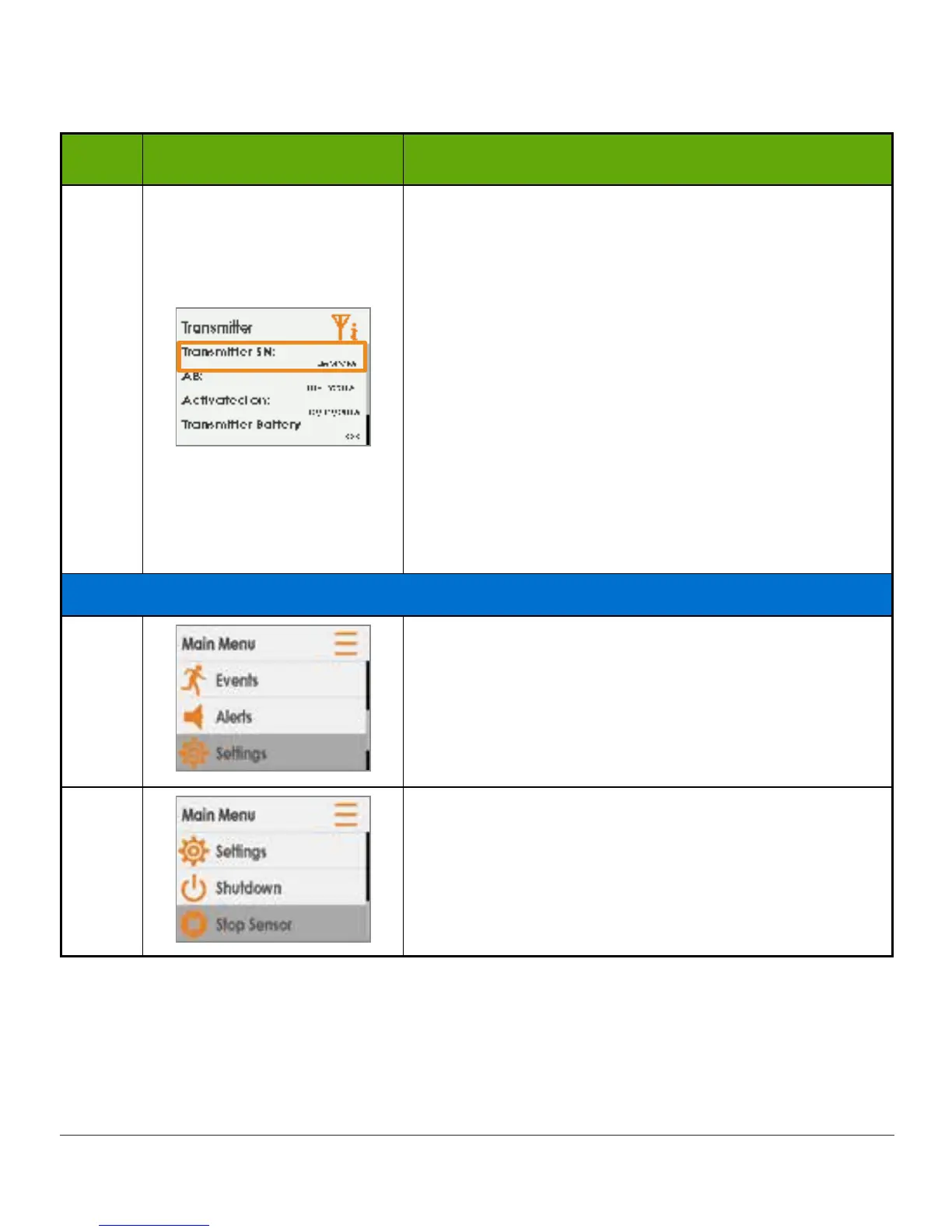
Check correct transmitter SN is in receiver.
SN is on the label on bottom of transmitter box.
Compare SN number in receiver to SN on
transmitter box.
If correct, but still have Signal Loss icon, contact
Technical Support (available 24/7) for help:
• TechSupport@dexcom.com
• Toll free: 1.888.738.3646
• Toll call: 1.858.200.0200
Press select button to exit screen.
Press left arrow twice to go to Main Menu.
If Wrong SN Entered
6
Press left arrow twice to go to Main Menu.
7
If sensor session has started, to correct transmitter
SN, you must stop the sensor session.
Press down arrow to highlight Stop Sensor.
Press select button.
(Continued on next page)



 To Next Page