Dexcom G5 Mobile System User Guide
99Starting a Sensor Session: Inserting Sensor, Transmitter, and Starting Your Session
(Continued from previous page)
Step What you see What you do
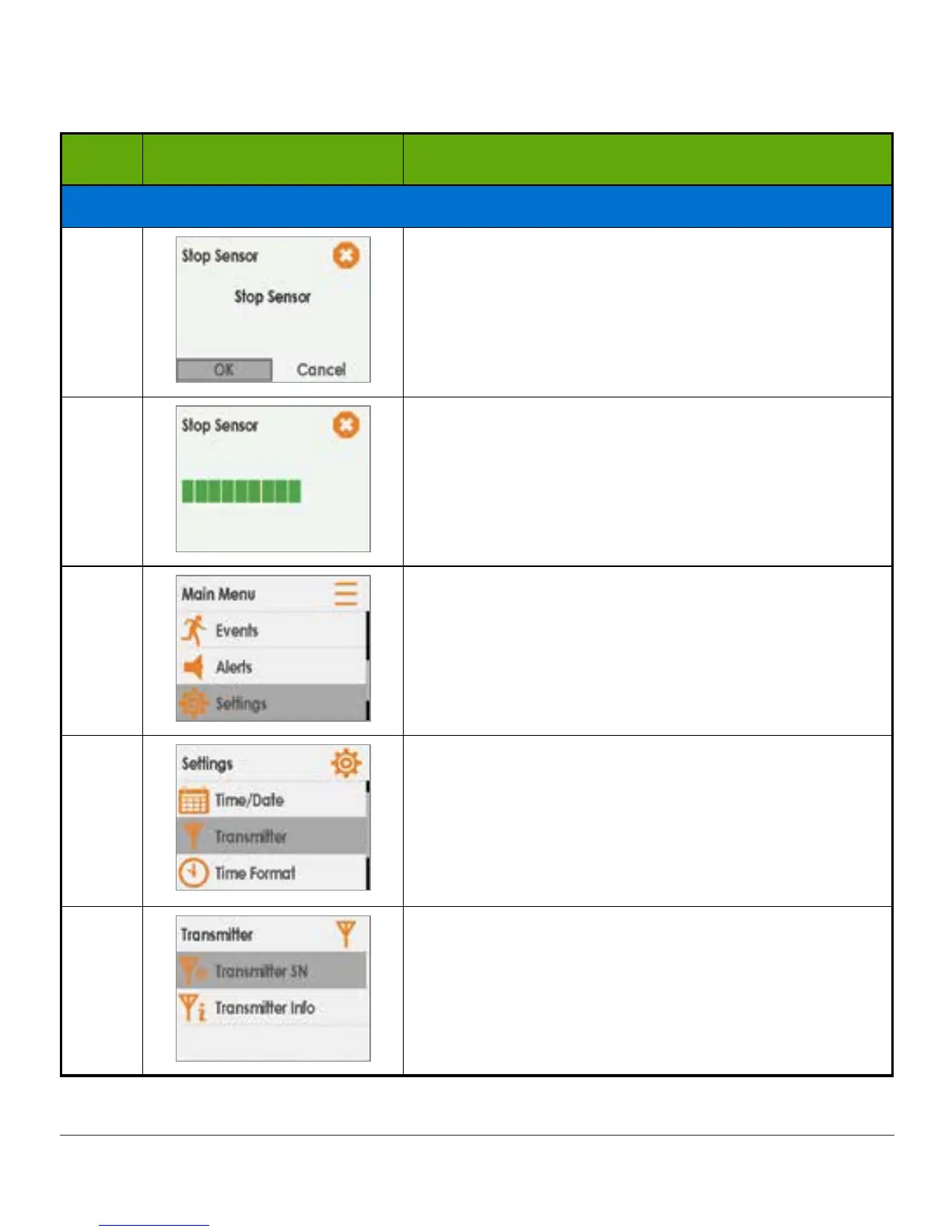
If Wrong SN Entered
8
Press select button again to stop session.
9
Wait for sensor session to end.
10
From Main Menu:
Press down arrow to highlight Settings.
Press select button.
11
Press down arrow to highlight Transmitter.
Press select button.
12
Highlight Transmitter SN.
Press select button.
(Continued on next page)



 To Next Page