Dexcom G5 Mobile System User Guide
216Sensor Glucose Alarm and Alerts
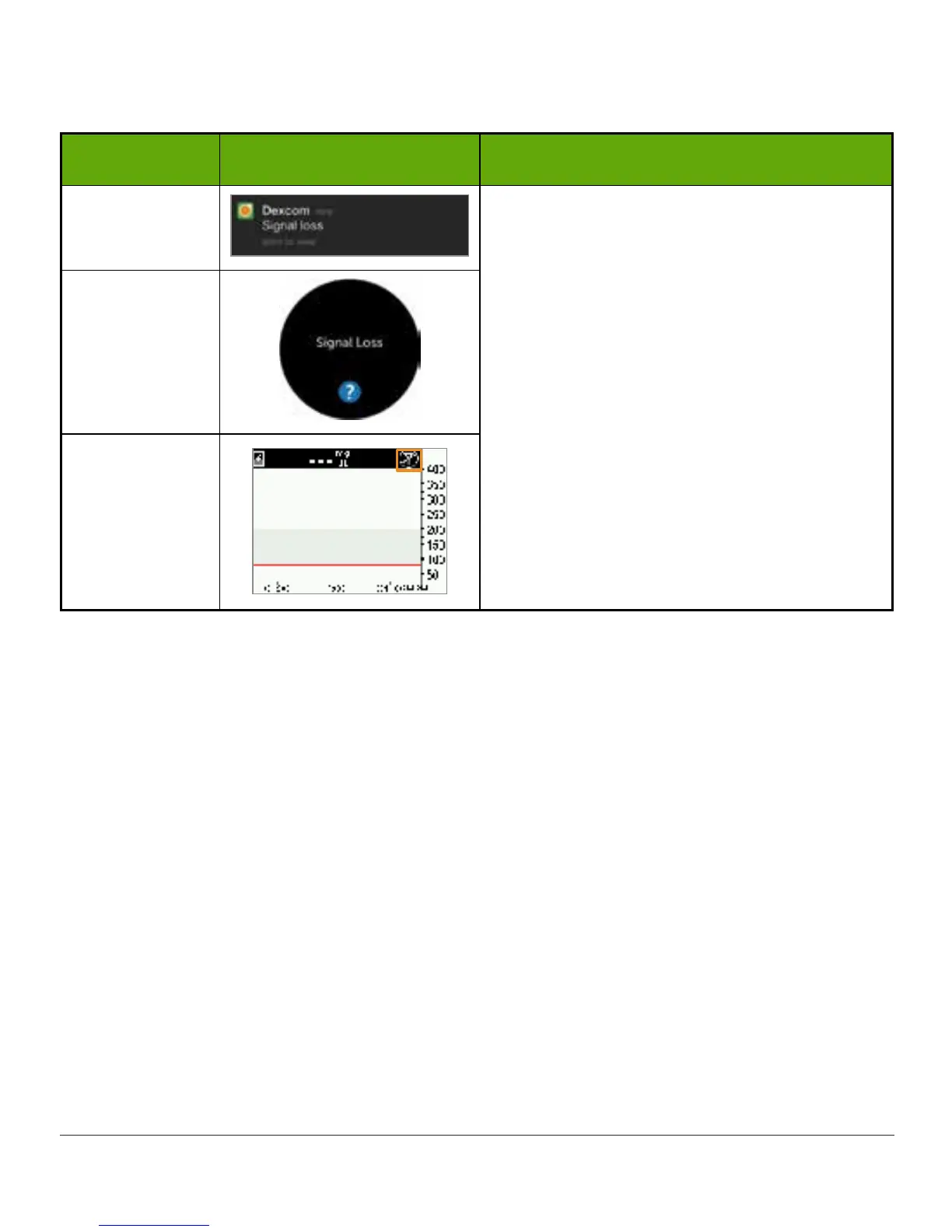
Signal Loss Alert
Device What you see What it means
Smart Device:
Lock Screen
Your receiver and transmitter are not
communicating.
You will not receive Alarm/Alerts.
Check BG meter to check your glucose and
make any treatment decisions.
Smart Device:
In App
Receiver
11.5 App: Suggested Settings
Review Chapter 5 to learn how to configure your smart device for use with the Dexcom G5.
Use the suggested settings to help ensure you get Alarm and Alerts.
11.6 Receiver: Default Beeps and Vibrations
The Dexcom G5 receiver’s Alarm/Alerts are vibrations and a beep, or a series of beeps,
based on the Alarm or Alert. Beeps and vibrations are preprogrammed into the receiver, and
unlike with the smart device, the volume can’t be changed.
In Chapter 12 you’ll learn how to adjust the volume and intensity of your Alarm/Alerts. The
following is a table of the receiver’s default beep and vibration patterns. After you confirm the
initial Alert vibration, you won’t get any beeps or sounds unless you’ve turned on the Repeat
Alert.
In the next section, you’ll learn how to confirm the Alarm/Alerts.



 To Next Page