Dexcom G5 Mobile System User Guide
202Daily Events Aect Your Glucose Trends and Patterns
10.4 Viewing Events
Events entered into your receiver can only be viewed on a Dexcom report; there are no Event
markers on your receiver’s screen.
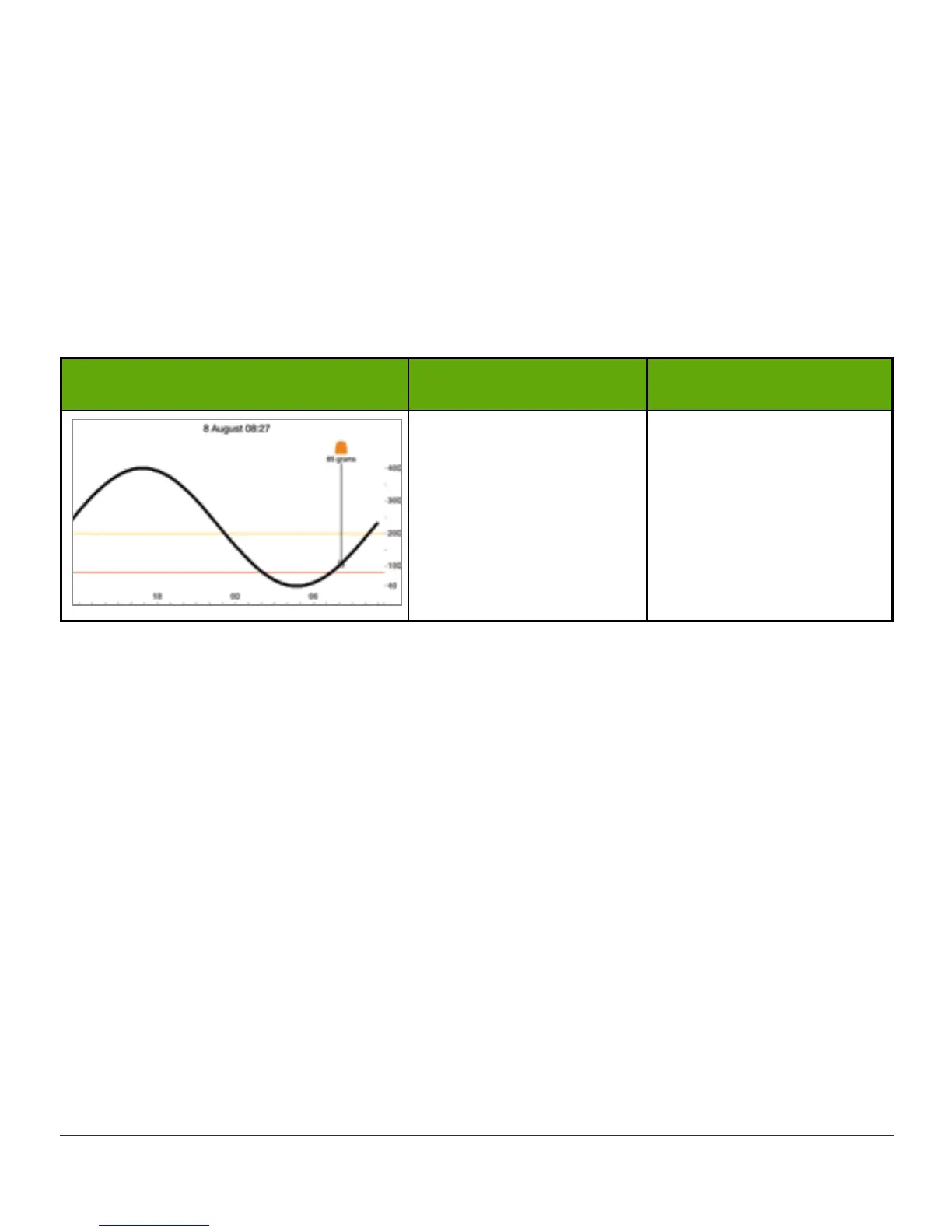
On your smart device, turn to landscape mode to view your Event markers. A single small
square marks all Events. Slide your finger across the screen or tap the square to get your
Event information.
Events Markers: App
What you see What it does What you do
Landscape Only
Show Event details.
Landscape Only
Tap square.
Slide finger across
screen.
Once you have allowed your Share Follower’s to access your trend screen, they too will be
able to view your Events. See Part 5 for more information.
Summary
Now You Can:
• Define “Event”
• Describe each Event
• Create an Event
- G5 Mobile app
- Dexcom G5 receiver
• Recognize Event markers on the G5 Mobile app
- Describe how Event markers are different in portrait and landscape view
• Describe how to view Events entered via your receiver



 To Next Page