Dexcom G5 Mobile System User Guide
201Daily Events Aect Your Glucose Trends and Patterns
(Continued from previous page)
Step What you see What you do
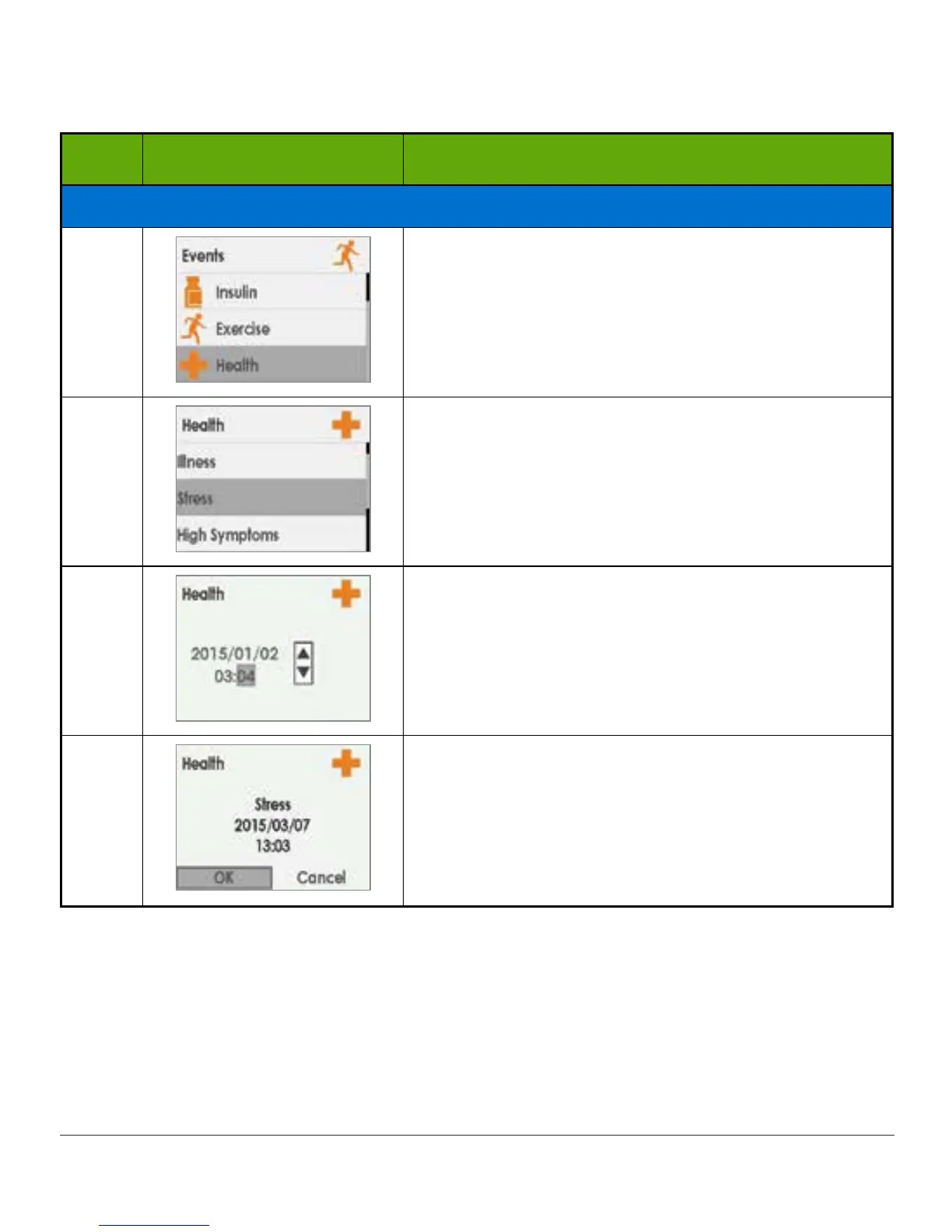
Enter Health Event
7
Press down arrow to highlight Health.
Press select button.
8
Press down arrow to highlight Stress.
Press select button.
9
Press left/right arrows to change time and date.
• Left: Backward
• Right: Forward
Press select button.
10
Verify information is correct.
Press left/right arrows to highlight field.
Press up/down arrows to change numbers.
Press select button to save.



 To Next Page