Dexcom G5 Mobile System User Guide
121Calibration
(Continued from previous page)
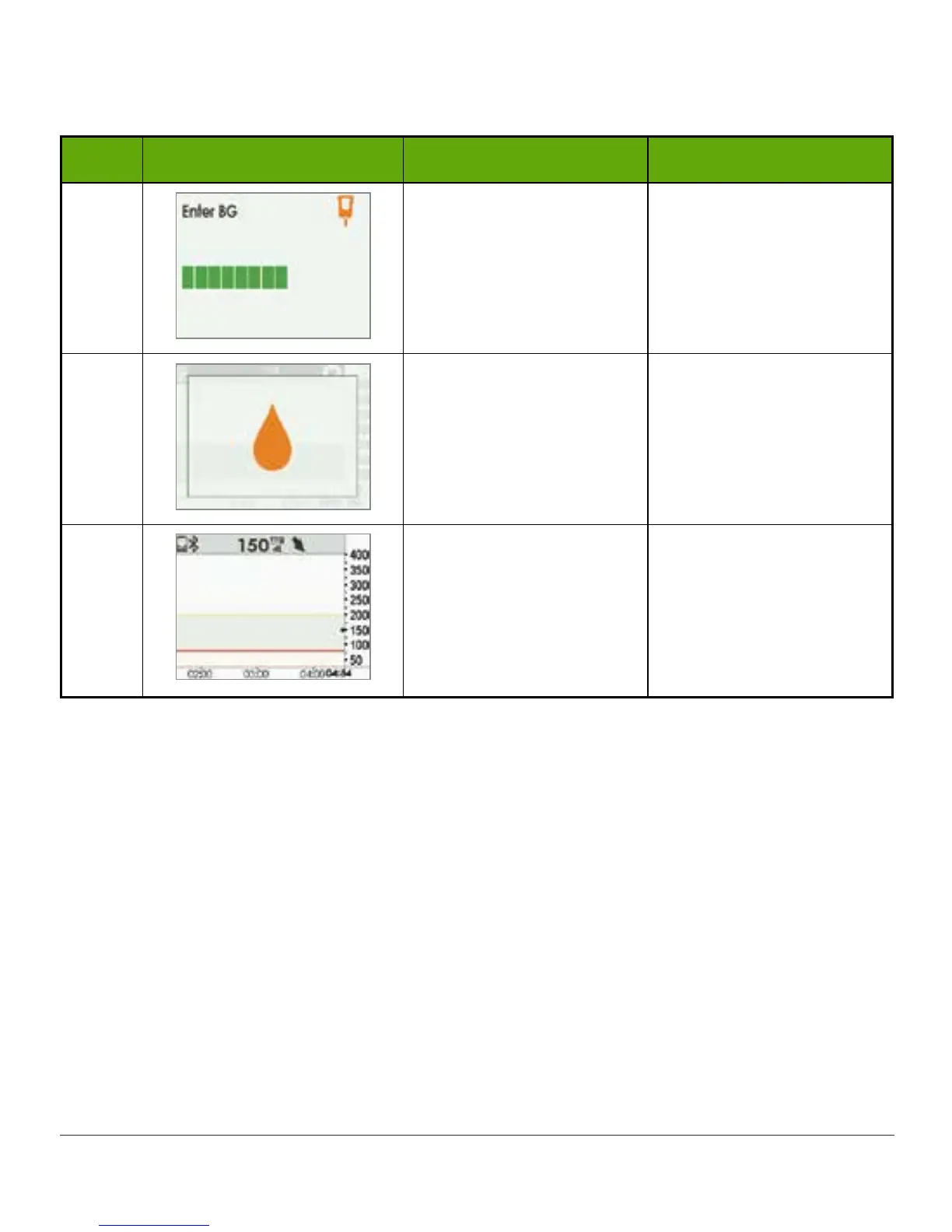
Step What you see What you do Additional info
7
Wait.
“Thinking” screen.
BG value is accepted.
8
Immediately take
another meter reading.
Enter meter’s BG value.
First calibration
accepted.
Time for second
calibration.
9
Wait for next calibration
prompt in 12 hours.
Default home screen.
Calibration(s) accepted.
7.8 Calibration Errors
Before or during your calibration process, your display device may show error notifications. If
the notifications don’t go away after 15 minutes, refer to Chapter 19, Troubleshooting.



 To Next Page