Dexcom G5 Mobile System User Guide
122Calibration
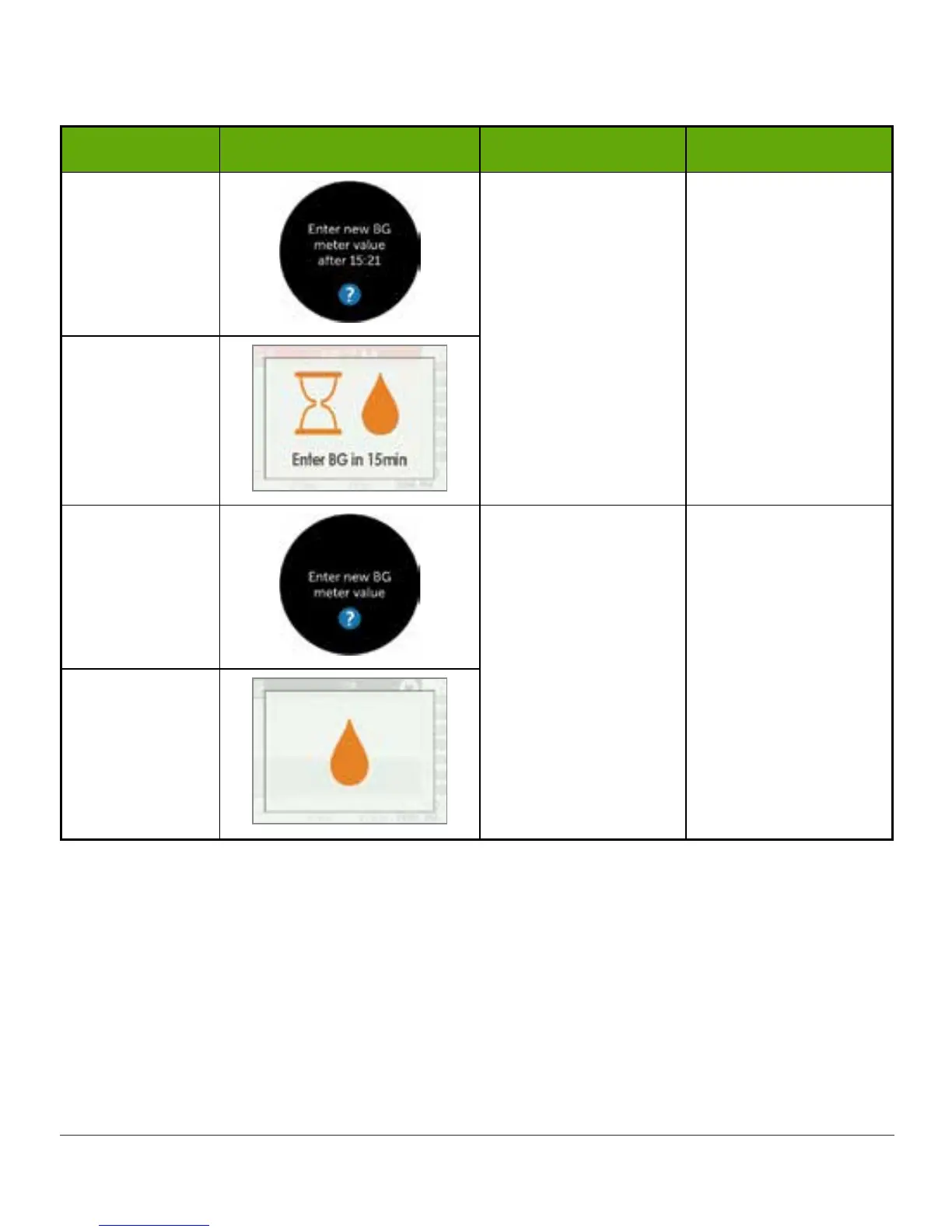
Calibration Errors
Device What you see What it means What you do
Smart Device:
Notification
Sensor can't
calibrate now.
Wait 10-15 minutes.
Retake fingerstick
measurement at
prompt.
Enter BG value.
Receiver
Smart Device:
In App
System didn't
accept recent
calibration.
Additional
calibration needed
immediately.
Calibrate.
No sensor glucose
readings.
Receiver
Approximately five minutes after entering your second BG meter value, your display device(s)
will start providing sensor glucose readings and glucose level trends. While each display
device may have different ways of presenting sensor glucose readings and trends, the
meanings are the same.
Fingerstick measurements entered into one device will be available in the other
approximately ten minutes after entering data.



 To Next Page